 Mat.·GS·
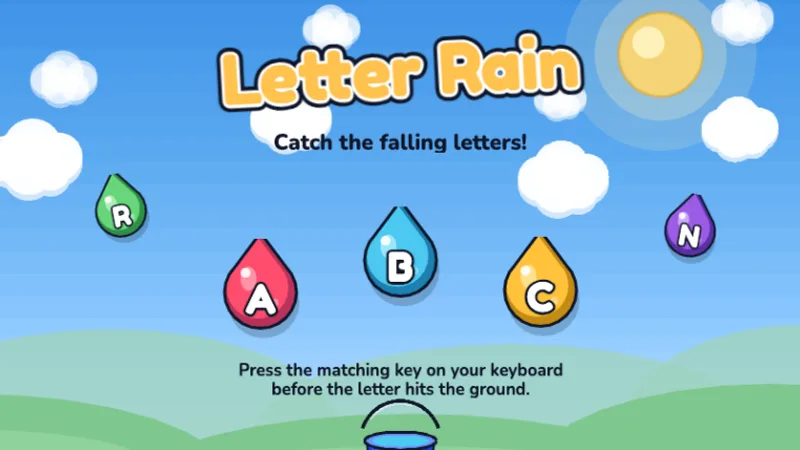
Pluie de Lettres
Attrape les lettres qui tombent en appuyant sur la bonne touche avant qu'elles touchent le sol !
★☆☆☆☆
Âges 4-6
Letters
Introduce your preschooler to the keyboard with simple, fun letter recognition games. No reading required — just match the letters they see and hear.
Most parents who search for preschool or toddler typing games are not trying to build a touch typist at age three. They are trying to answer a simpler question: is it okay for my preschooler to start tapping keys, and will any of this actually help? The honest answer is yes and maybe. Pre-K is not the age to teach finger placement or speed. It is the age for a child to discover that the letters on the keyboard are the same letters in their name, their favorite book, and the cereal box — and that pressing one makes something happen on screen. That discovery is the real goal here. A typing game for toddlers is judged on one thing only: can a child who cannot read yet still press a key and see something happen? Every game below clears that bar. If they are already naming letters confidently, the typing games for kindergarten are the next shelf. Children who can already recite the alphabet can try the type your alphabet timer, one letter at a time.
Sans inscription, sans pub, joue tout de suite.
Mat.·GS·
Attrape les lettres qui tombent en appuyant sur la bonne touche avant qu'elles touchent le sol !
 Mat.·GS·
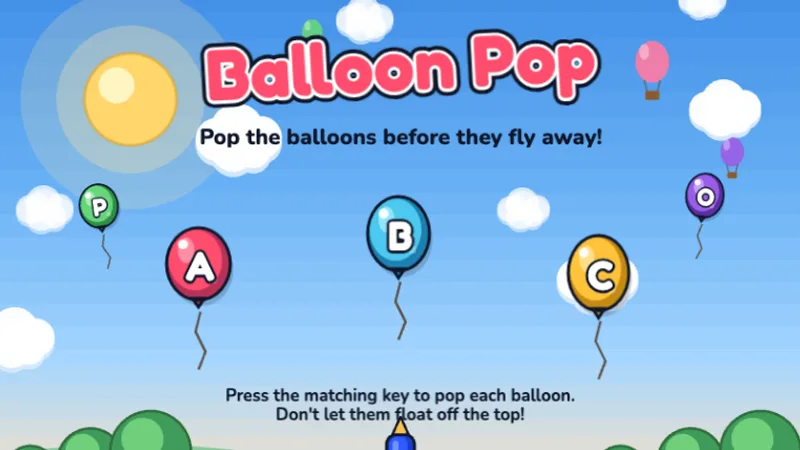
Éclate les ballons colorés en appuyant sur la bonne lettre avant qu'ils s'envolent !
 Mat.·GS·CP·
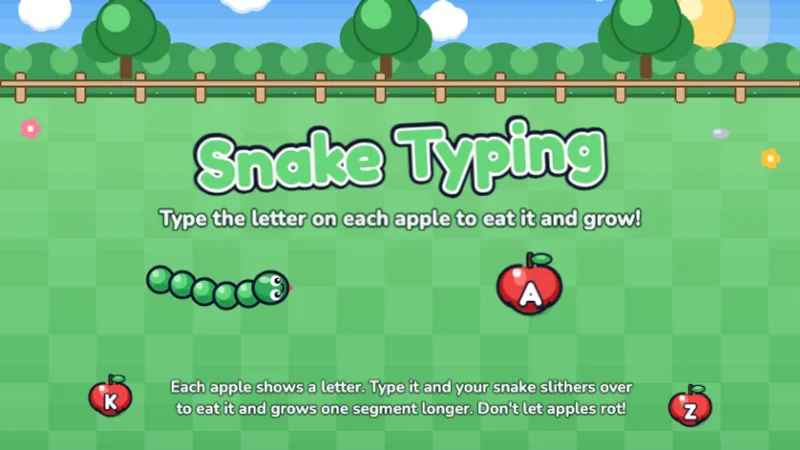
Jeu de serpent à taper gratuit : tape la lettre de chaque pomme pour la manger et grandir !
Letter Rain is the one game on this site built specifically for this age group. Letters fall one at a time, slowly, and pressing the matching key catches them. There is no timer pressure on early levels and wrong keys do nothing — so a three-year-old can bang on the keyboard without breaking anything or getting frustrated. Start here, sit next to your child, and read each letter aloud as it falls.
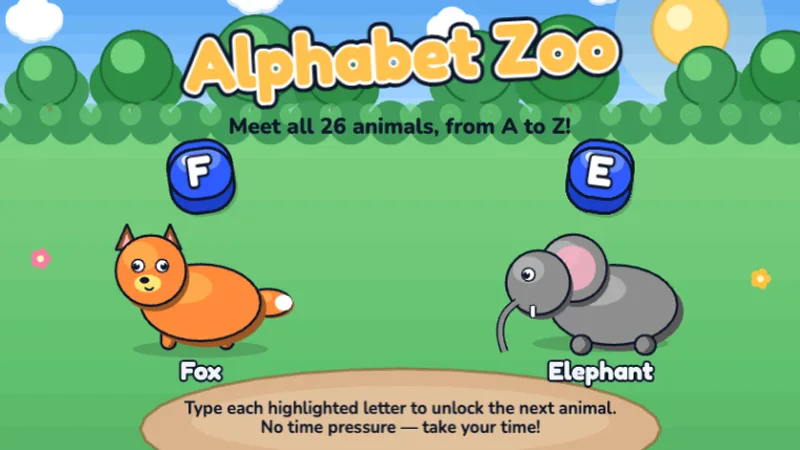
Alphabet Zoo walks through the alphabet from A to Z with one animal per letter. It is technically aimed at kindergarten and 1st grade, but curious Pre-K children who already know most of their letters often enjoy it as a bedtime-story-style game. If your child gets stuck on a letter, tell them the answer — this is not a test.
At the Pre-K level, children are just beginning to explore the keyboard. The focus is on letter recognition, understanding that pressing a key makes something happen on screen, and basic hand-eye coordination.
This is the wrong question for this age, and we say that as a typing-games site. Pre-K children should not be measured in words per minute. They should be measured in minutes of cheerful engagement with the keyboard before they lose interest.
A typical three- or four-year-old will stay focused on a typing game for five to ten minutes at most. During that window they might press thirty or forty keys with a mix of hunt-and-peck and one-finger stabbing. That is completely normal and exactly what should happen at this age. The muscles in a preschooler's hands are still developing — asking them to coordinate eight fingers across a keyboard is like asking them to tie their shoes before they can button a shirt. Save WPM conversations for 1st grade and up. For now, the metric is: did your child have fun, and do they want to do it again tomorrow?
Preschoolers learn by watching someone they love do something and then copying it. The single biggest predictor of whether typing games stick at this age is whether a parent sits next to the child for the first few sessions. Here is the four-step approach we recommend.
Open Letter Rain and point out the letters in your child's name as they fall. If your child is named Mia, cheer when M, I, or A appears. Kids at this age have an emotional attachment to their own name long before they care about the alphabet as a whole.
The first time a preschooler plays a keyboard game, five minutes is plenty. Ending while they still want more is how you get them to ask for it again tomorrow. Ending after they get frustrated is how typing becomes something they refuse to do.
Tablets teach screen tapping, not typing. A physical keyboard — even a cheap $15 USB one plugged into an old laptop — is what builds the hand-to-key association that matters later. If you only have a tablet, a Bluetooth keyboard works just as well.
Say the letter when it appears. Do not quiz your child. Pre-K is a receptive phase, not an expressive one — children absorb letters from hearing them named repeatedly, not from being asked to recall them under pressure.
Pre-K classrooms rarely have a dedicated keyboarding block in the schedule, and they should not. If you teach Pre-K and want to fold typing games into your room, treat it as a choice-time station during center rotations — one laptop, one set of headphones, one child at a time, five to seven minutes per turn. Place the station near a writing or letter-play area so children move fluidly between physical letter manipulation and keyboard letter practice.
Never pair two Pre-K children at one keyboard. At this age, sharing a keyboard leads to one child hogging the keys and the other giving up. Solo time at the station is the only setup that works. If you have limited devices, rotate three to four children through the station per day rather than doubling up.
Five to seven minutes per turn is the sweet spot. Any shorter and the child has barely oriented to the game; any longer and most Pre-K students disengage and start wandering. A simple sand timer or visual timer at the station helps children self-regulate the turn length.
At this age, keep sessions under 10 minutes. Let your child explore the keyboard freely — there's no wrong way to play. Sit with them and name the letters together.
My child hasn't learned all their letters yet.
That is fine — and in fact, typing games can help with letter recognition. Letter Rain shows the letter on the falling tile, so children who do not yet know all 26 letters see the shape and hear it named (by you, sitting next to them) at the same moment they press the matching key. That multi-channel exposure is how letter knowledge builds at this age.
I am worried about screen time at this age.
The American Academy of Pediatrics suggests limiting non-educational screen time for children under five to about one hour of high-quality programming per day. A ten-minute typing-game session fits inside that budget with plenty of room to spare, and playing together with a parent counts as high-quality co-viewing — which AAP treats more favorably than solo screen time.
My child just mashes keys and doesn't really play the game.
Key mashing is the first stage of keyboard learning, not a failure of it. Children mash to figure out what the keyboard does — which keys make sounds, which change what's on screen, which do nothing. Give it a few sessions. When the novelty of pressing any key wears off, children naturally start paying attention to which specific key matches what the game shows.
The honest age-by-age breakdown of what children can realistically learn at each stage, from 3-year-olds to 11-year-olds.
A week-by-week home-typing plan that scales from first exposure through basic fluency, with realistic weekly milestones.
Honest comparison of 5 free typing programs: game-based vs curriculum-based, which ages fit which tool, and a side-by-side feature table.
A structured lesson plan from Pre-K through 5th grade showing exactly which games to play and for how long.
Fais un Test de Dactylographie
Lancer le Test de Dactylographie