 1st·2nd·
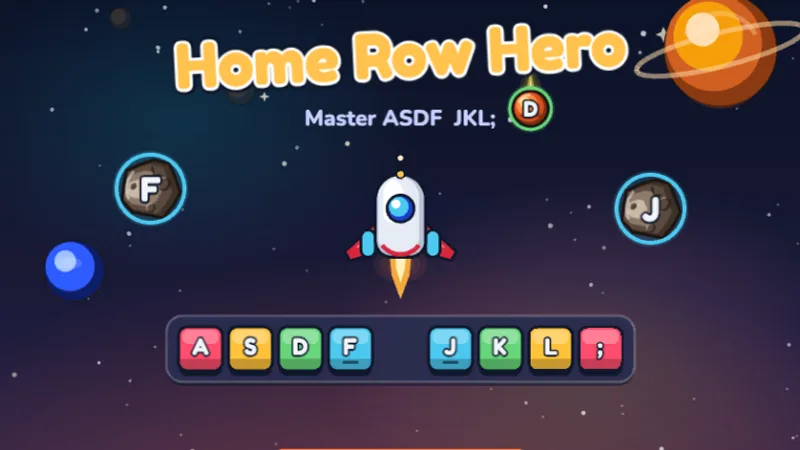
Home Row Hero
Master the home row keys and become a typing hero in outer space!
★★☆☆☆
Ages 6-8
Home Row
The same four levels and twelve stages as BBC Dance Mat Typing — home row, top row, bottom row, then capitals and symbols — as a browser game you can play right now, with finger hints, stars and saved progress. Whether you searched for bbc dance mat typing, bbc typing, dance mat touch typing or dance mat keyboard typing, the keys and the order are the same here. Free, no login, no ads, nothing to install. Not affiliated with the BBC; the original is linked below.
Playing: our Dance Mat Typing Game, Level 1, the home row. Jump to Level 2 · Level 3 · Level 4, or open the game page full size with all 12 stages.
If you landed here looking for a dance mat typing game to play, skip to Level 1 and start with Home Row Hero, or go straight to the playable dance mat typing stage 1 page. That is the honest short answer, and the rest of this page is just the order to play things in.
Two things worth clearing up first, because people search for both. There is no physical dance mat — the name came from the dancing animal characters in the lessons, not from a floor pad, so there is no hardware to buy. And the original is still live on BBC Bitesize: the old Flash build died in 2021, but the version there today runs in a normal browser, and this page is what to play alongside it and after Level 4.
If what you actually want is the original, the next section says where it lives on Bitesize, what it does and does not do, and why so many 2021 forum threads wrongly say it is gone.
BBC Dance Mat Typing is the BBC's touch typing course for 7 to 11 year olds (Key Stage 2 in England, roughly 2nd to 5th grade in the U.S.). It is still live on BBC Bitesize, all four levels play in a normal browser without Flash, and it is free with no account. Searches for bbc typing, bbc touch typing, bbc typing mat and bbc bitesize typing all land on the same course: the BBC has only ever published one substantial typing program for children.
This page is not the BBC and is not affiliated with it. What it is: the same Level 1 to 4 order and the same keys per stage, rebuilt as a game for the things the original leaves out. The BBC course stops at single keys, does not save progress, has no words-per-minute test and no teacher tools. Ours saves progress on the device, gives a star rating per stage, names the correct finger on every key, continues past Level 4 into word and sentence games, and ends in a typing test that gives a WPM score.
| Feature | BBC Dance Mat Typing | Dance Mat Typing here |
|---|---|---|
| Levels and stages | 4 levels, 12 stages | Same 4 levels, same 12 stages, same key order |
| Account or login | None | None |
| Ads | None | None |
| Saves progress | No | Yes, on the device |
| Finger hints on screen | Voice-over only | Keyboard highlight and finger name on every key |
| After Level 4 | Ends | Word and sentence games, typing test with WPM |
| Teacher tools | None | Class race with a room code |
| Works on Chromebook / iPad | Yes / with a keyboard | Yes / with a keyboard |
The original split the keyboard into four levels and taught them in a fixed order. That order is the part worth keeping — it is why the program worked. Here is each level, the keys it covered, and the game here that drills the same keys.
| Level | Keys it covered | Play instead | Ages |
|---|---|---|---|
| Level 1 | Home row — A S D F, J K L and semicolon | Home Row Hero, then Key Catcher | 6-8 |
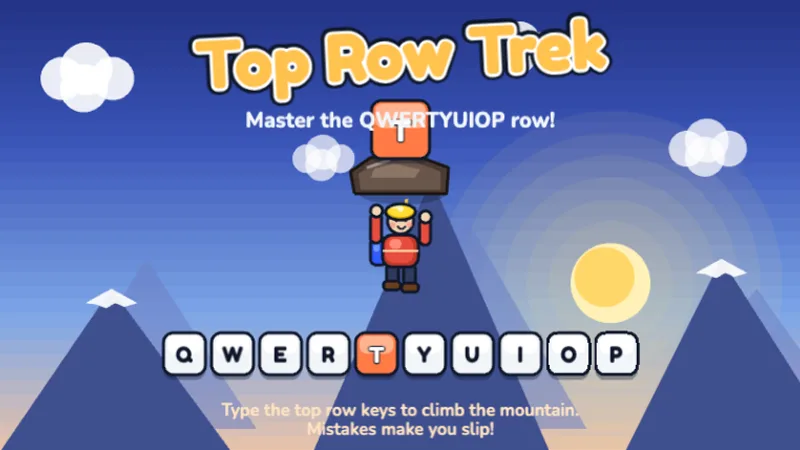
| Level 2 | Top row — Q W E R T Y U I O P | Top Row Trek | 6-8 |
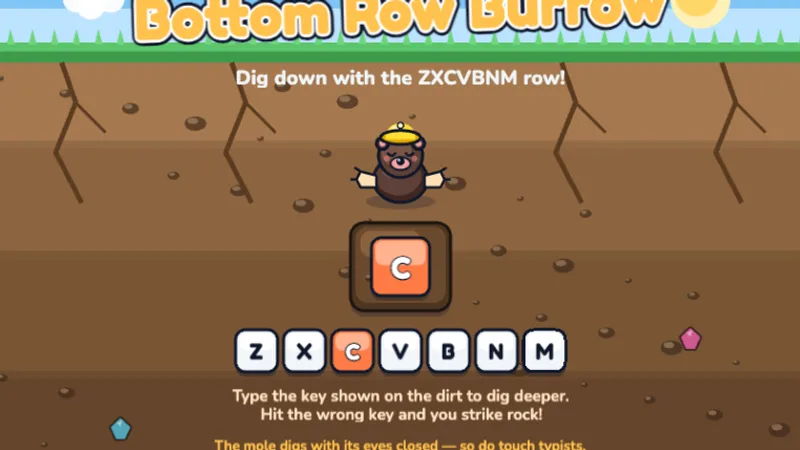
| Level 3 | Bottom row — Z X C V B N M | Bottom Row Burrow | 6-8 |
| Level 4 | Capitals, apostrophes, slashes and full stops (we add the number row) | Number Ninja, then Code Breaker | 9-11 |
On Level 3: the bottom row is the one most typing programs skim, because it carries fewer common letters than the top row and children get less incidental practice on it. Bottom Row Burrow isolates those seven keys the way the original Level 3 did, and it names the correct finger on every prompt — wrong-finger habits are the specific problem this row creates, and they are invisible unless someone points them out.
Play it on its own page: Dance Mat Typing Level 1.
The eight keys your fingers rest on when they are not pressing anything. Every other key on the keyboard is one finger-hop from here, which is why the original spent a whole level on it and why skipping it is the mistake that keeps people at 15 WPM for life.
1st·2nd·
Master the home row keys and become a typing hero in outer space!
 1st·2nd·
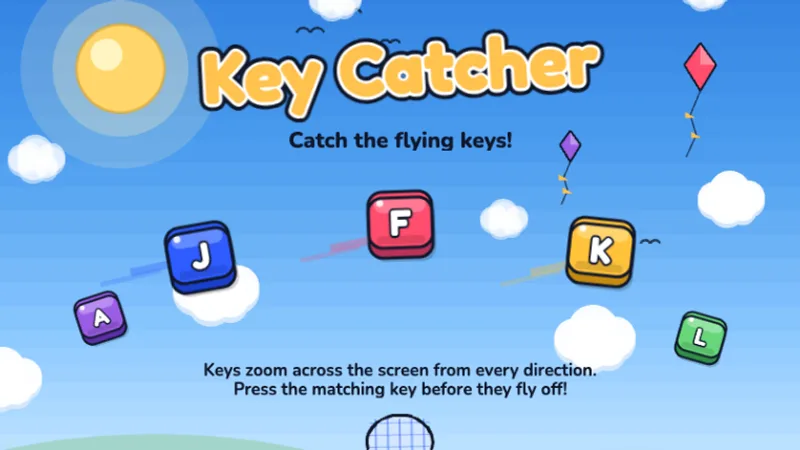
Keys are flying across the screen — catch them all by typing fast!
How to run it: Home Row Hero first — it unlocks a mission at a time so a child cannot race ahead of their fingers. Move to Key Catcher only once the F and J bumps are found without looking. Two weeks here is normal and not slow.
Play it on its own page: Dance Mat Typing Level 2.
Q W E R T Y U I O P, reached by stretching up from home row without moving the wrists. The original taught this second for a reason: most common English words need the top row far more than the bottom one.
How to run it: The goal is returning to home row after every reach. If your child's hands drift up and stay there, go back to Level 1 for a few sessions — the drift is the problem, not the speed.
Play it on its own page: Dance Mat Typing Level 3.
Z X C V B N M, reached by curling down from home row. This is the hardest of the three reaches and the one children most often make with the wrong finger, so Bottom Row Burrow names the correct finger under every key.
How to run it: Slow down on Z — the left pinky reaching down and inward is the single hardest motion on the keyboard, and most children quietly substitute the ring finger. If your child swaps B and N, cover the other half of the keyboard with a sheet of paper for a round.
Once each row is covered on its own, the next step is mixing them — which is what real typing is. These games throw letters and words from all three rows at once.
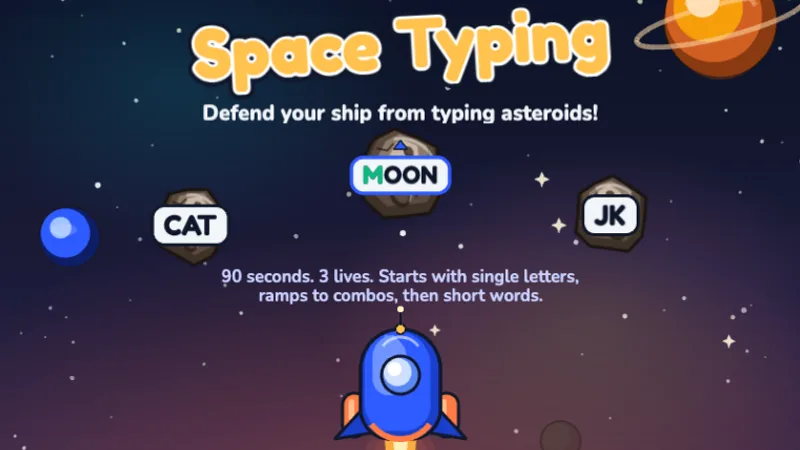 2nd·3rd·
Blast asteroids by typing the letters before they hit your ship!
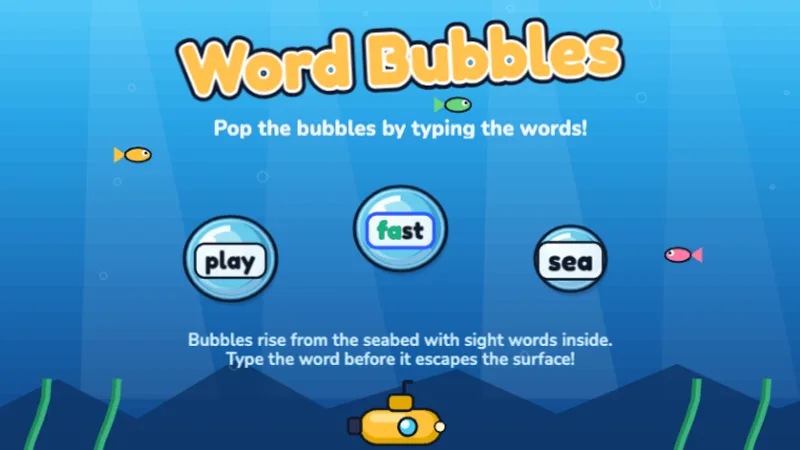 2nd·3rd·
Pop ocean bubbles by typing the words inside before they float away!
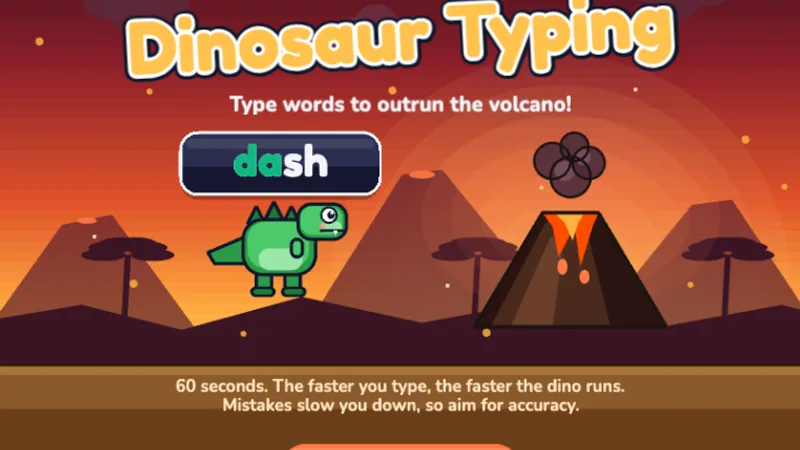 2nd·3rd·
A free typing dinosaur game — type words to help your dinosaur run faster and escape the volcano!
How to run it: Space Typer is still letter-by-letter, so use it first. Word Bubbles and Dino Dash move up to whole words — that is the jump from "I know where the keys are" to "I can type," and it is the point where most children start enjoying it.
Play it on its own page: Dance Mat Typing Level 4.
The number row and the punctuation the original saved for last. This is the level most modern typing programs quietly skip, which is why so many fast typists still look down to type a number.
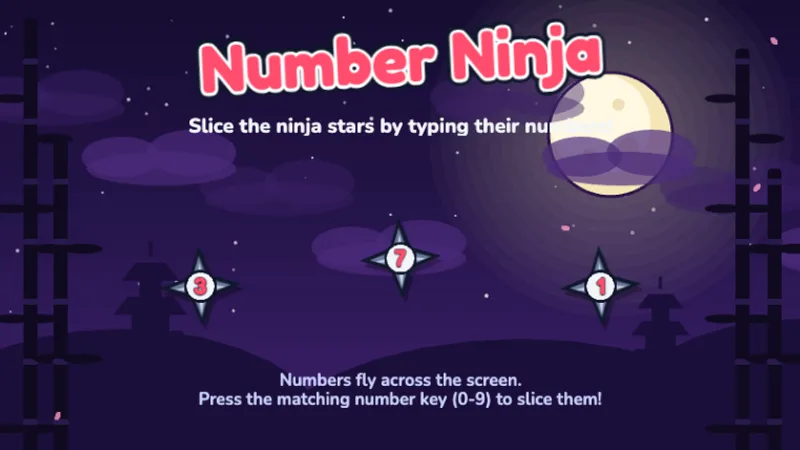 K·1st·
Slice ninja stars by typing their numbers — learn the number row!
 4th·5th·
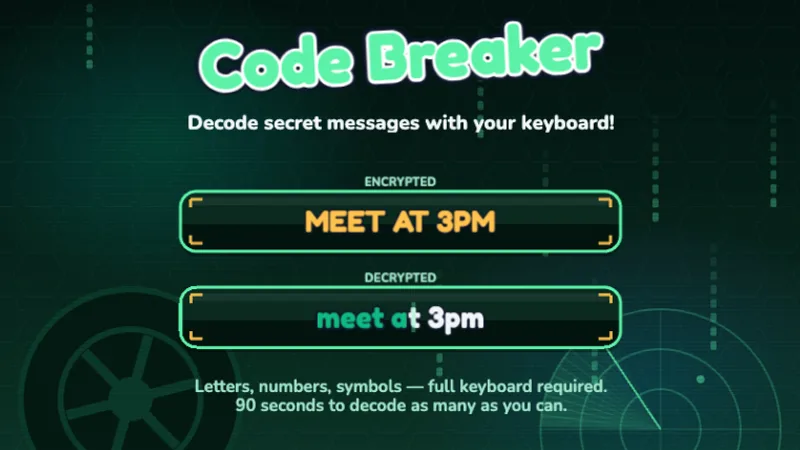
Decode secret messages using letters, numbers, and symbols — full keyboard mastery!
How to run it: Number Ninja handles the digits. Code Breaker mixes letters, numbers and symbols in one string, which is the closest thing here to the original's final level. For commas, periods and apostrophes specifically, use punctuation typing practice.
The original stopped here, and that was always its weakness — a child finished Level 4 knowing where every key lived but still typing slowly. Speed is a separate skill and it needs separate practice.
Once all four levels feel easy, measure once with the free typing test, then find out whether that number is actually good for your child's age on the WPM by age check. A 9-year-old at 20 WPM is doing fine; a 9-year-old at 8 WPM needs more Level 1, not more speed drills.
For speed itself, the racing format works better than drills for most children — typing race games put a finish line on it, and our multiplayer typing game lets a whole class race the same passage live. Or browse everything by school year on the typing games by grade page.
The reason the original spread through primary and elementary schools was not the curriculum — it was that a teacher could bookmark one URL and thirty children could use it with no accounts, no ads and no setup. That is the bar, and it is the bar we built to: nothing on this page asks for a login or an email address.
For a full rotation plan, station timings and Chromebook notes, see the classroom games page, or the teacher guide for how the levels map to a term.
No. This site is not affiliated with the BBC. The BBC's original course is still live on BBC Bitesize and is linked on this page. Our dance mat typing game follows the same four levels and twelve stages with the same keys in the same order, and adds finger hints, star ratings, saved progress and a typing test after Level 4.
Yes. All four levels are live on BBC Bitesize and load in a normal browser with no Flash player. The original Flash build stopped working when browsers removed Flash in 2021, which is where the idea that it died comes from. You need a physical keyboard; it does not run on an on-screen tablet keyboard.
No. The dance mat typing game never used a physical dance mat. The name came from the animated dancing characters that guided the lessons, not from a floor pad. Everything on this page is played on a normal keyboard, and there is no hardware to buy.
Level 1 taught the home row (ASDF and JKL semicolon). Level 2 added the top row (QWERTYUIOP). Level 3 added the bottom row (ZXCVBNM). Level 4 covered the number row and special characters. Each level was split into three shorter stages. Every one of those four levels has a game on this page.
Home Row Hero. It drills the same eight home row keys Level 1 covered, one row at a time, with a mission map that unlocks progressively instead of three fixed stages. Key Catcher is the faster follow-up once the finger positions are learned.
Yes. Every game here runs in a normal browser on Chromebooks, laptops, desktops and iPads with a keyboard attached. Nothing needs Flash or a plugin. No login, no download, no ads.
Plan five to ten minutes per session rather than one long sitting. Most children need one to two weeks on the home row before the top row feels comfortable. Rushing a level is the single most common reason a child ends up hunting and pecking for years afterwards.
The original was aimed at 7 to 11 year olds, and this progression matches that. The three row games suit ages 6 to 8, mixed-row play suits ages 7 to 9, and the number and symbol level suits ages 9 to 11. Younger children should start with letter recognition instead.
Home row first, everything else after. It is the boring answer and it is the one that works.
Play Home Row Hero