 4th·5th·
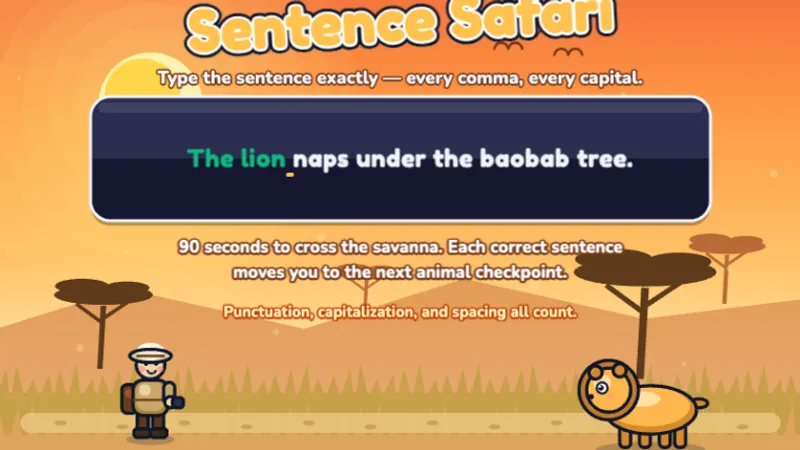
Sentence Safari
Type full sentences to guide your explorer through the African safari!
★★★★☆
Ages 9-11
Sentences
Punctuation
Fifth graders aim for fluent, confident typing. These games push speed past 30 WPM while maintaining high accuracy on complex text.
⌨️ Quick answer: The 5th grade target is 30 WPM or above with 95 percent accuracy. 30 WPM is middle-school-ready; 35 to 40 WPM puts a student ahead of most middle schoolers and some adults; below 25 WPM is a real concern worth addressing before 6th grade.
5th grade is the last elementary year, and for typing it is the year where the habits your child has or has not built will carry them — for better or for worse — into middle school. Middle school changes the typing equation in two ways. Homework volume doubles, and most of it is typed. And teachers stop giving time for in-class typing instruction, so children who arrive slow stay slow. A 5th grader who finishes the year at 30 WPM or above with clean touch-typing form enters 6th grade ready for everything middle school will throw at them. A 5th grader who finishes at 15 to 20 WPM with looking-at-the-keyboard habits spends all of 6th grade fighting the keyboard instead of the assignment. This is the year to push for fluency. The typing games for 5th graders below are ordered for that push — sentence-length practice and timed runs rather than the letter drills that carried earlier grades. Test once before you start, then check whether that WPM is good for age 10 or 11 — the answer decides whether this year is about speed or about fixing finger habits first. Fifth graders who want a harder beat can move up to the beat master game, and the typing games for middle school page shows what next year expects.
Fifth grade is the last year before middle school assumes fluency. If your child is behind the benchmark, the earlier levels of our free typing games are still the fix, not more speed drills.
No login, no ads, instant play.
4th·5th·
Type full sentences to guide your explorer through the African safari!
 4th·5th·
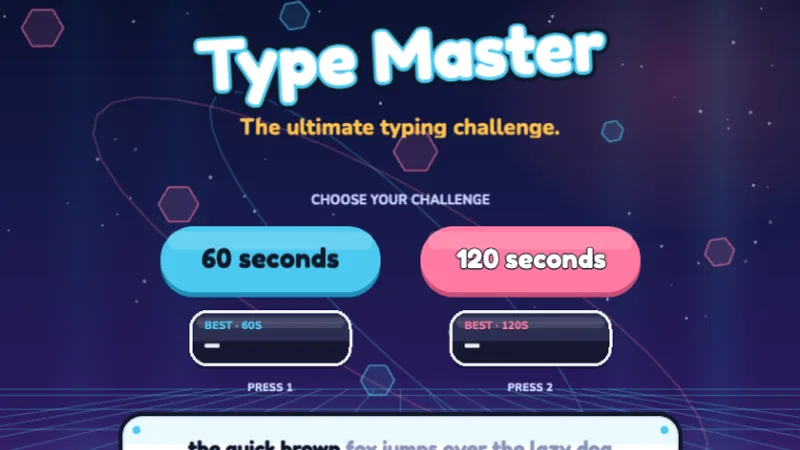
The ultimate typing challenge — test your speed and accuracy across all keys!
 4th·5th·
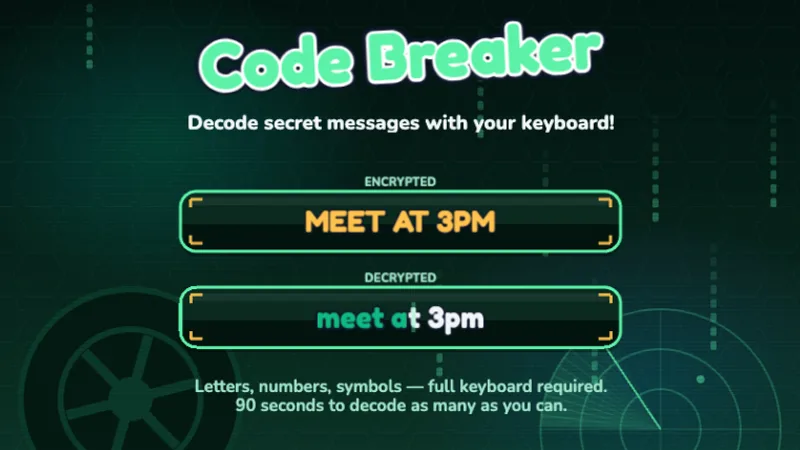
Decode secret messages using letters, numbers, and symbols — full keyboard mastery!
 5th·6-8
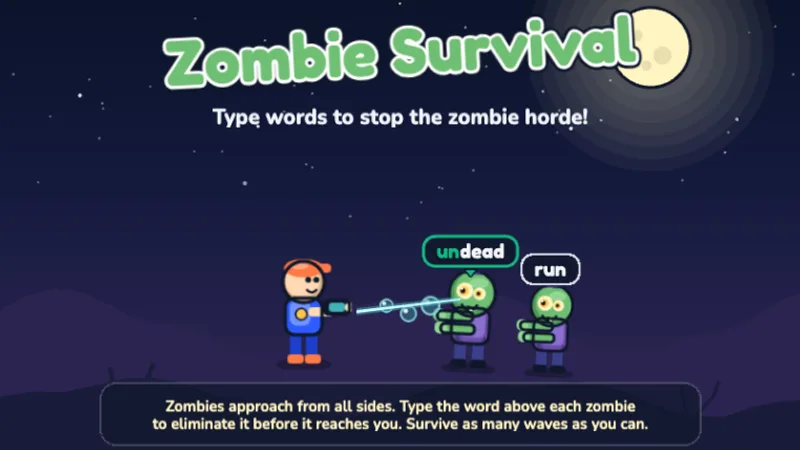
Type words to stop the zombie horde — survive as many waves as you can!
 3rd·4th·5th·
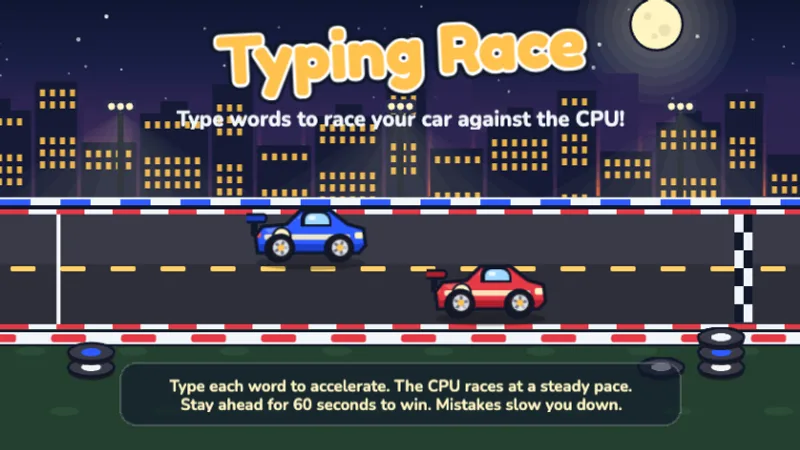
Race your car against the CPU by typing words — type faster to pull ahead!
 5th·6-8
Sentence-level head-to-head race against a faster AI — can you keep up?
 4th·5th·6-8
Guitar Hero meets typing — type words as they scroll down the stage!
 2nd·3rd·4th·5th·
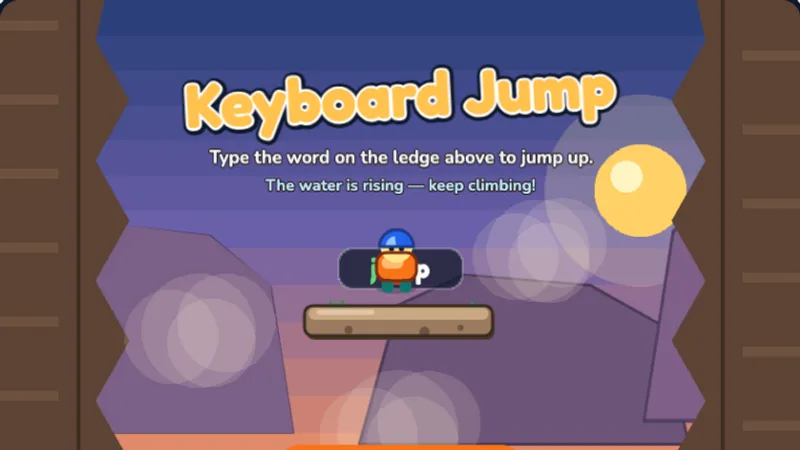
Type the word on the ledge above to jump up the canyon before the water rises!
 2nd·3rd·4th·5th·
Type the word each ghost carries to send it home before it reaches the lantern!
 2nd·3rd·4th·5th·
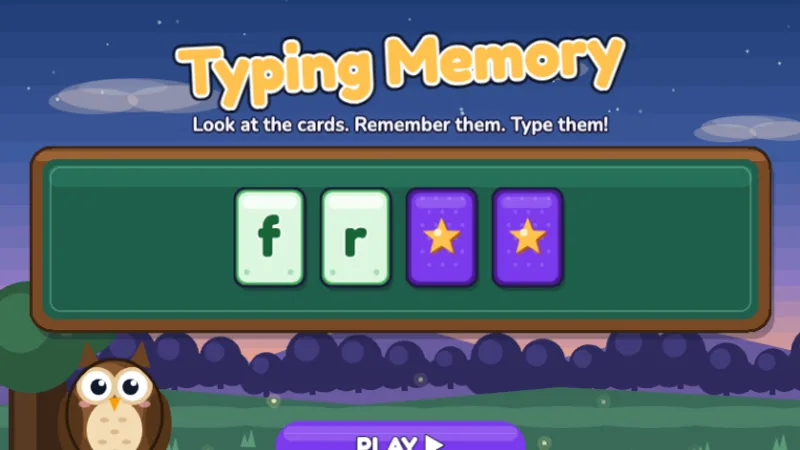
Watch the cards flip up, remember the letters, then type them from memory!
 2nd·3rd·4th·5th·6-8
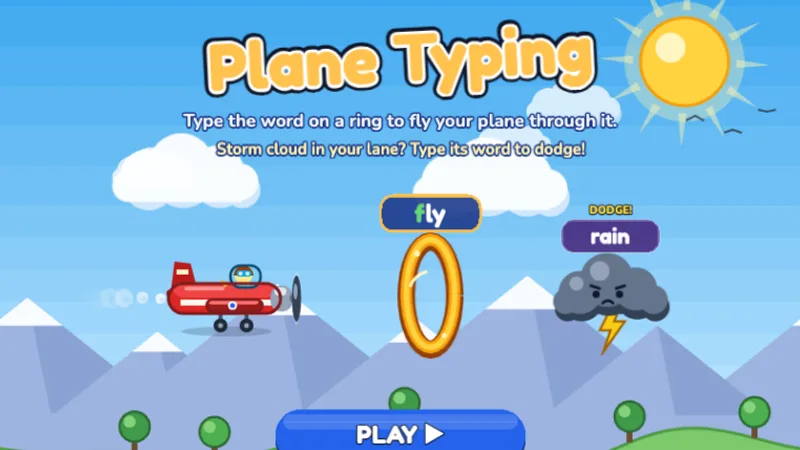
Type the word on each golden ring to fly your plane through it, and dodge the storm clouds!

Speed Racer is still useful in 5th grade as pure WPM-building practice. Its live WPM counter gives older children the number-chasing motivation that is developmentally right for this age. Play it twice a week to keep speed work moving.
Sentence Safari remains essential in 5th grade. By now, sentence-level typing with punctuation should be automatic — Sentence Safari is where that fluency gets stress-tested. If your 5th grader still hesitates on punctuation, this is the game that fixes it.
Type Master is the 5th grade capstone game. Mixed-difficulty timed passages with a WPM-times-accuracy scoring system — exactly the model typing is measured with in the real world. Make this the main game of 5th grade. Children ready for middle school can consistently score above 30 composite WPM on Type Master's 60-second challenge.
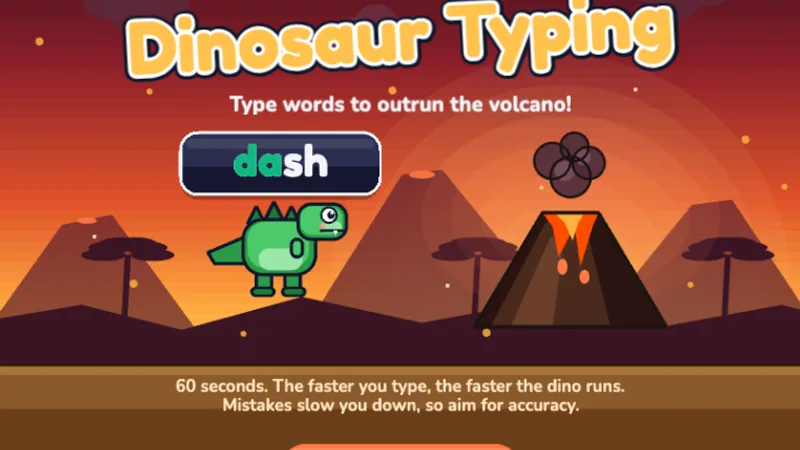
Dino Dash still has a role in 5th grade as an accuracy anchor. When error rates creep up after too much speed work, a week of Dino Dash resets clean typing habits. Think of it as a recovery game rather than a primary one at this age.
5th grade is where typing proficiency becomes typing fluency. Students should be able to type without thinking about key positions — their fingers just know. The goal is 30+ WPM, which puts them ahead of most adults who never learned properly.
30 WPM is not an aspirational number — it is the rough point at which typing stops being a limiting factor for middle school workloads. Middle school writing assignments are longer and more frequent than elementary ones. A 5th grader at 30 WPM finishes a two-page typed essay in about the same wall-clock time as an adult at 45 WPM finishes the same essay in a work context. Below 25 WPM, middle school becomes a grind. The good news is that 5th graders who put in fifteen minutes of focused practice a day gain WPM faster than children at any other age — the motor coordination is mature, reading fluency is strong, and the brain's habit-forming window for typing is still wide open. A 5th grader who starts at 18 WPM in September can realistically hit 30 WPM by June. Few other skills improve that fast at this age.
5th grade typing practice is about consolidation and speed, not new foundations. By this age, most students have been typing for four or five years — the plan is to turn existing competence into fluency and to fix whatever specific weakness is keeping them below 30 WPM. Here is the approach that works.
A 5th grade typing diagnostic is more than WPM. Run the three-minute test, then check three things: the WPM number, the accuracy percent, and whether your child looked at the keyboard during the test. All three matter. A 5th grader at 32 WPM with 88 percent accuracy is actually slower than one at 25 WPM with 96 percent accuracy once net typing speed is calculated.
If your 5th grader still glances at the keyboard during typed work, spend two to three weeks on touch-typing-only practice before any speed work. Cover the hands or look at the screen exclusively. Speed gained on top of looking will plateau in middle school. Speed gained on top of touch typing keeps growing for years.
5th grade is the first year where daily practice (rather than three-times-a-week) produces meaningfully faster gains. Twenty minutes a day for twelve weeks moves most 5th graders from the low 20s into the mid 30s in WPM. Weekend breaks are fine — consistency across Monday through Friday matters more than seven-day streaks.
At least one session a week should be typing into a real document — a journal entry, a book report, a letter, anything. Game typing and document typing are not quite the same skill, and 5th graders who only practice on games sometimes struggle when they first have to format, spell-check, and edit while typing. Mix it in now and middle school document work is a non-event.
5th grade keyboarding in school is often more about writing than typing per se — typed journal entries, typed reading responses, typed short research pieces. Forty-five minutes of explicit typing-game practice per week, combined with two or three longer typed assignments, gives 5th graders enough total keyboard time to reach 30 WPM comfortably by spring. If your class is behind on WPM targets in January, a six-week typing-games intensive (ten minutes of Type Master or Speed Racer at the start of every literacy block) is the single highest-leverage intervention available at this grade level.
Individual devices are standard. At 5th grade, the useful question is no longer how to group students but whether to let them work at their own pace or in unison. Most 5th graders do better with self-paced practice by now — they know where they are, what they are working on, and how much they have improved. Lockstep grade-wide drills tend to bore the faster students and overwhelm the slower ones.
Twenty-five to thirty minutes per session is the 5th grade productive window, which is the longest of any elementary grade. Past thirty minutes, even strong typists start making sloppy mistakes from fatigue. Daily thirty-minute sessions are better than three 60-minute blocks per week for this age.
A 5th grader typing at 30+ WPM is set up for success in middle school and beyond. If your child is below that, don't worry — consistent 15-minute daily practice can get them there in weeks, not months.
My 5th grader types 20 WPM. Will middle school be a disaster?
It will be hard, but it is not a disaster and it is fixable. A 5th grader at 20 WPM who practices twenty minutes a day from the start of 5th grade through the end of the school year can realistically reach 30 WPM by graduation. That is not a six-month project — it is an ongoing routine. The critical moment is now, while typing is still a school priority. Once middle school starts, the window for concentrated practice closes fast.
They use voice typing instead of the keyboard.
Voice typing is a useful tool and not a problem in itself. It is a problem when it is used to avoid building typing fluency. Middle school and high school still mostly run on keyboards — shared documents, note-taking in class, standardized tests. A 5th grader who relies on voice typing often loses ground on all three in 6th or 7th grade. The fix is not to ban voice typing but to set a rule that school writing assignments are typed with the keyboard, and voice typing is for casual or quick-note use only.
We didn't start typing practice until 4th grade and they're still behind.
This is more common than parents realize, and it is recoverable in one school year with focused work. A 5th grader who has been typing for a year or less is typically at 15 to 20 WPM with imperfect form. Three 20-minute sessions a week, for a full school year, almost always produces a 10-to-15 WPM gain and real touch-typing habits. Arriving at middle school at 30 WPM, even after a late start, is common. Do not write off the year — 5th grade rewards typing practice more than any other elementary year.
The full elementary WPM benchmark table, including exactly where 5th graders should land by September, December, March, and June.
By 5th grade, typing is the primary writing tool for most school tasks — this post explains what handwriting is still for and when it matters.
Honest comparison of 5 free typing programs: game-based vs curriculum-based, which ages fit which tool, and a side-by-side feature table.
Ready for 6th grade? These games push past 35 WPM with zombie survival challenges and timed sentence typing designed for ages 11-14.
Our grade-level targets align to U.S. keyboarding standards and published research:
Last reviewed June 2026 · TypingGamesKids. See the full typing speed by age guide.
Take a Typing Test
Start Typing Test