 Pre-K·K
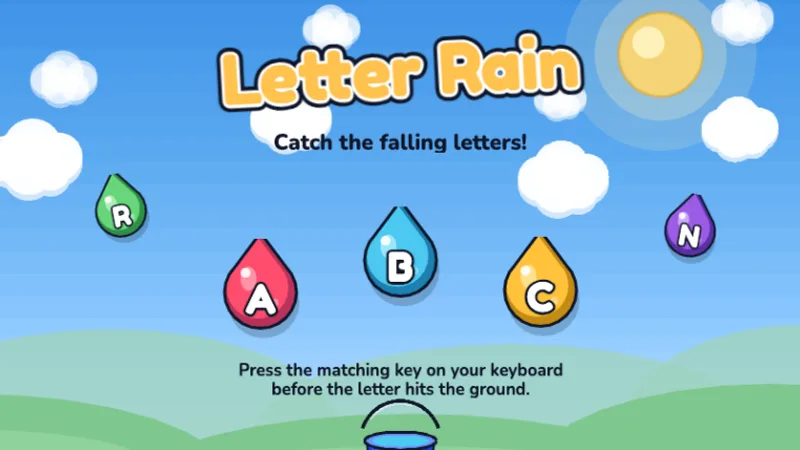
Letter Rain
Catch falling letters by pressing the right key before they hit the ground!
★☆☆☆☆
Ages 4-6
Letters
34 browser-based educational typing games organized by grade level — from letter recognition in Pre-K to 50 WPM speed challenges in middle school. No download, no account, no ads.
Teacher? Host a class race in any of our 34 games.
Teen or adult? Skip ahead to the hardest tier.
TypingGamesKids is a library of free typing games for kids, Pre-K through 8th grade — no login, no download, no ads. Younger kids start with letter games like Letter Rain and Alphabet Zoo; older kids move up to word and sentence challenges like Type Master and Zombie Survival. Everything runs in the browser on Chromebooks, iPads, or any computer with a keyboard, so a whole class can open it at once.
Browse typing games by grade, take a free typing speed test, or jump into the full game library. Already typing? Check their score against age benchmarks with the WPM checker.
34+
Free Games
8
Grade Levels
5-14
Ages Covered
$0
Forever Free
Our most-played games — from letter basics to typing games racing against the clock. All free, no download.
Pre-K·K
Catch falling letters by pressing the right key before they hit the ground!
 K·1st
K·1st
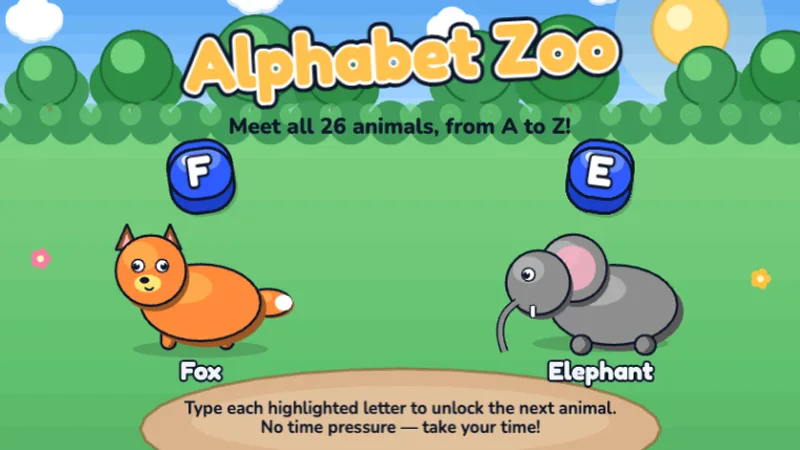
Type the alphabet from A to Z — type each letter to unlock the next animal!
 1st·2nd
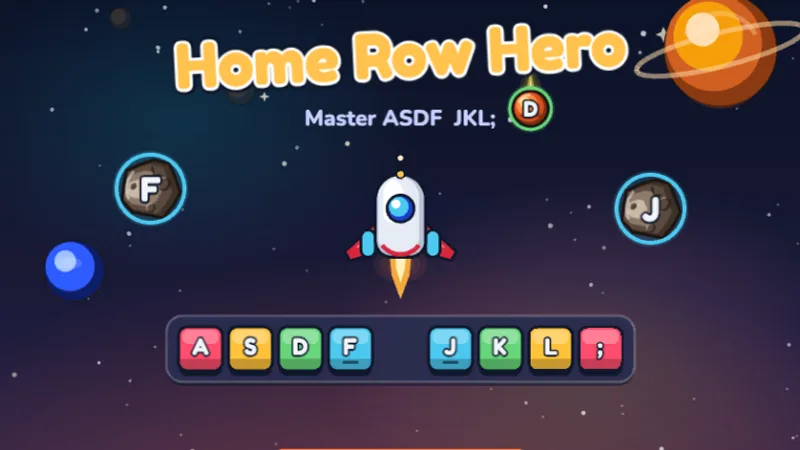
Master the home row keys and become a typing hero in outer space!
 1st·2nd
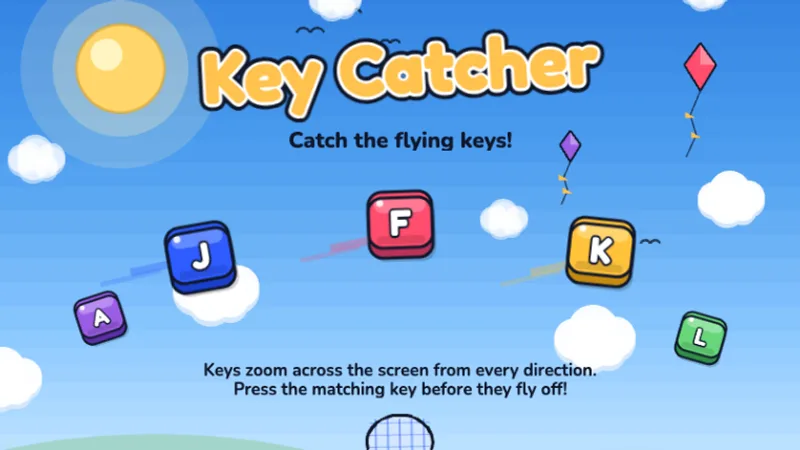
Keys are flying across the screen — catch them all by typing fast!
 2nd·3rd
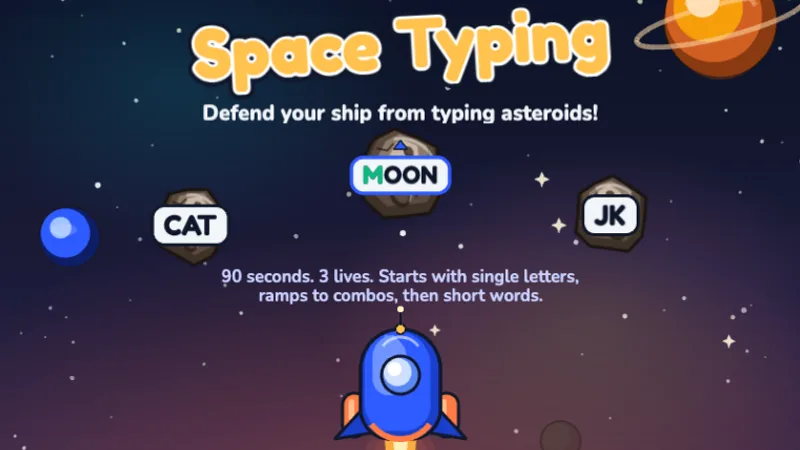
Blast asteroids by typing the letters before they hit your ship!
 2nd·3rd
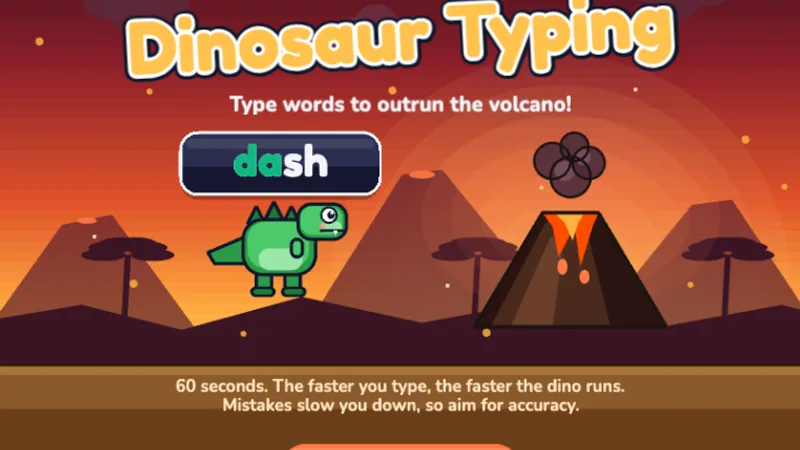
A free typing dinosaur game — type words to help your dinosaur run faster and escape the volcano!
 2nd·3rd
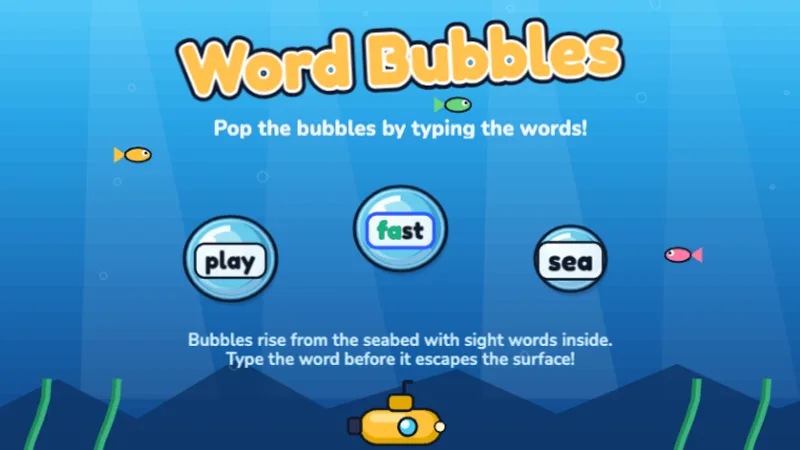
Pop ocean bubbles by typing the words inside before they float away!
 3rd·4th
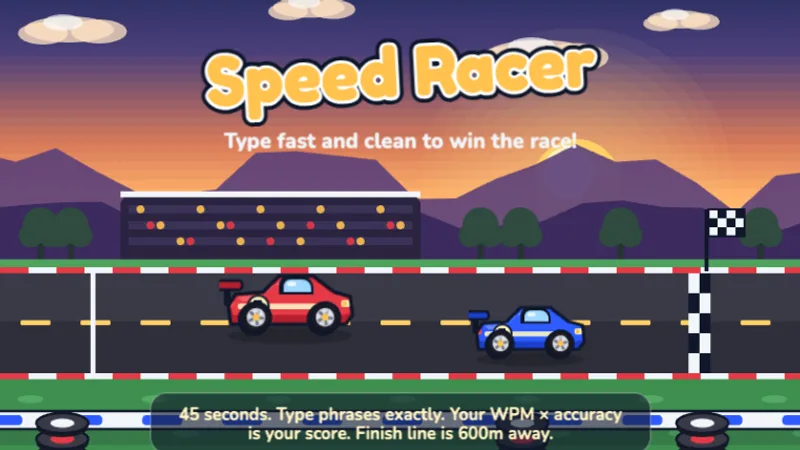
Race your car by typing as fast as you can — faster typing means faster speed!
Play together
One 6-digit room code, every kid on their own device, the board on the class screen.
Everyone plays one game or passage at once; the live leaderboard goes on the projector.
Up to 60 players
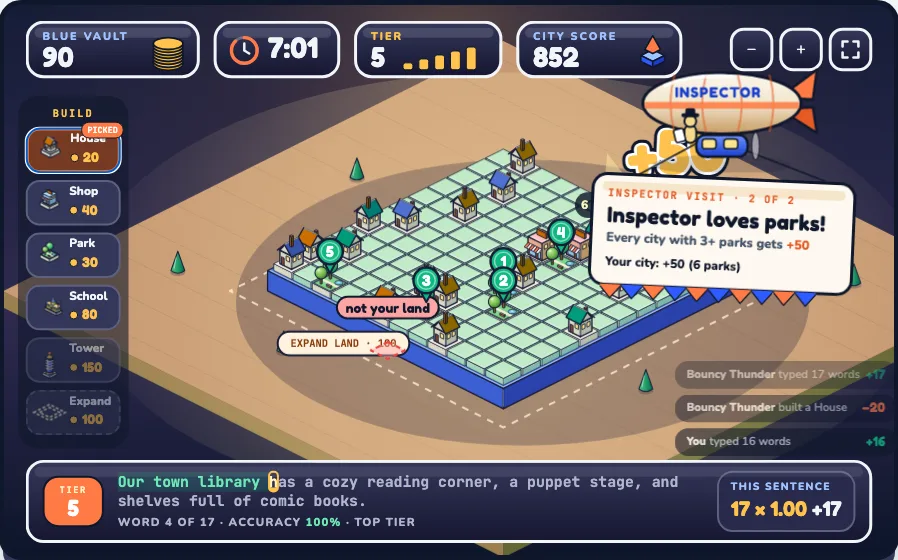
Teams type sentences to fill a shared vault, then build the best little city.
2–4 teams · up to 30 players
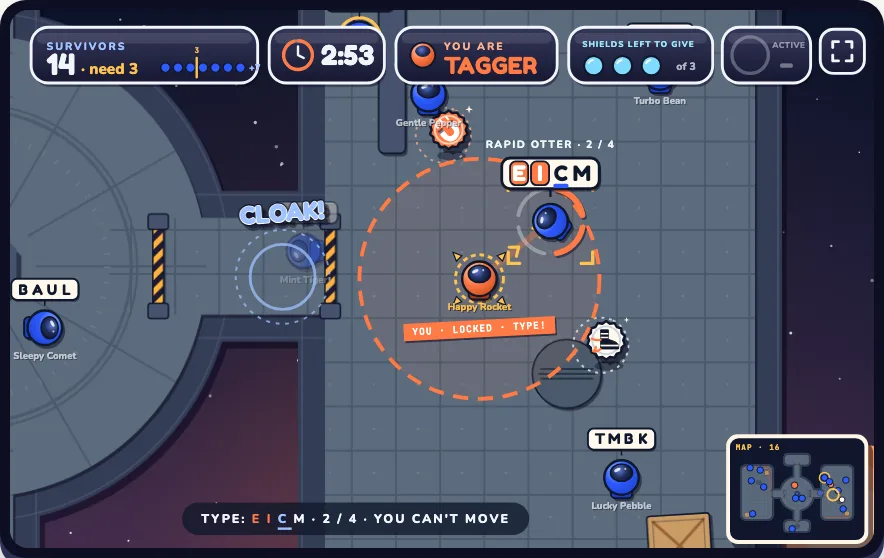
Type the letters above a player's helmet to tag them before the clock runs out.
3–30 players
Older kids, teens & adults
Not just for little kids
The top tier is built for fast typists: full sentences, punctuation, symbols and timed races, all scored in live WPM and accuracy. Start with our typing games for adults, check yourself against the average typing speed for adults, or take the 3-minute typing test.
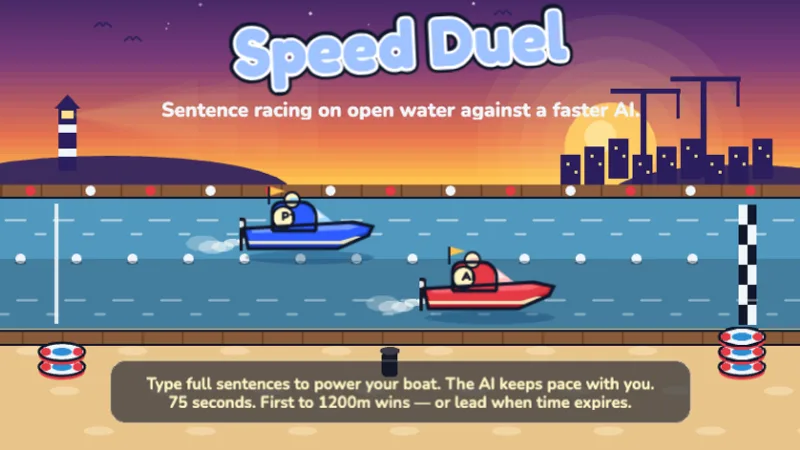 Speed Duel
Ages 10+ · live WPM
Sentence-level head-to-head race against a faster AI — can you keep up?
Speed Duel
Ages 10+ · live WPM
Sentence-level head-to-head race against a faster AI — can you keep up?
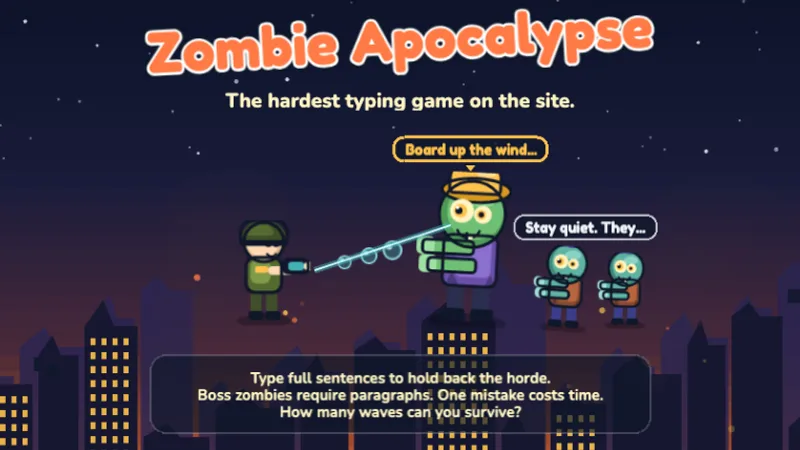 Zombie Apocalypse
Ages 11+ · live WPM
The hardest typing challenge — type sentences and paragraphs to survive the apocalypse!
Zombie Apocalypse
Ages 11+ · live WPM
The hardest typing challenge — type sentences and paragraphs to survive the apocalypse!
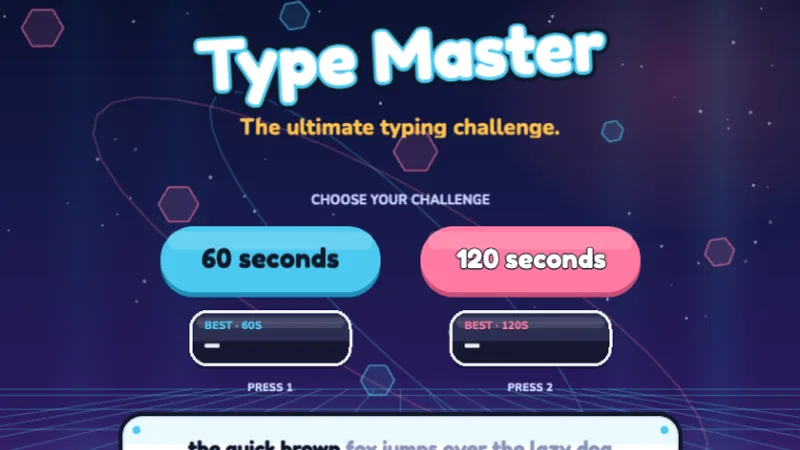 Type Master
Ages 9+ · live WPM
The ultimate typing challenge — test your speed and accuracy across all keys!
Type Master
Ages 9+ · live WPM
The ultimate typing challenge — test your speed and accuracy across all keys!
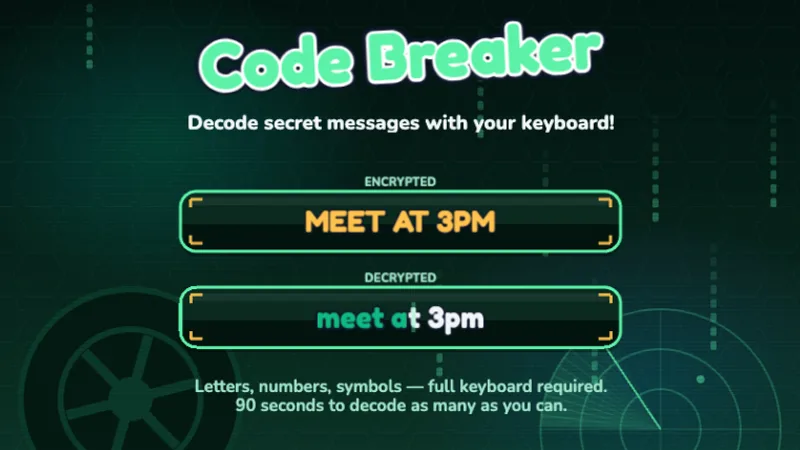 Code Breaker
Ages 9+ · live WPM
Decode secret messages using letters, numbers, and symbols — full keyboard mastery!
Code Breaker
Ages 9+ · live WPM
Decode secret messages using letters, numbers, and symbols — full keyboard mastery!
Typing games by theme
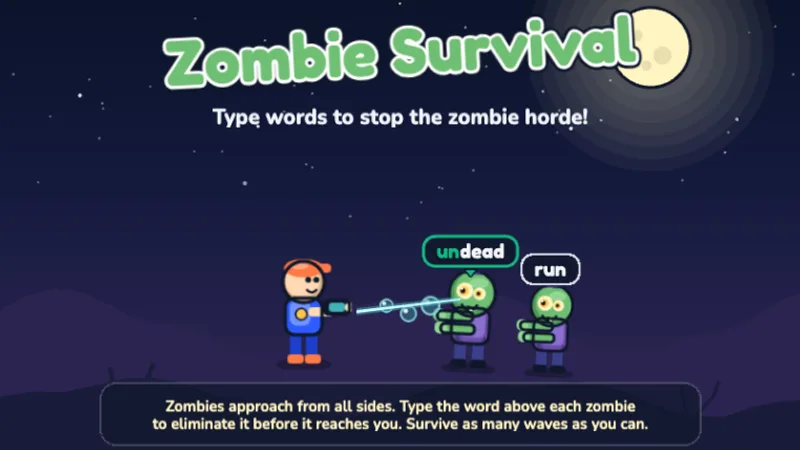
Type words and sentences to stop the zombie horde. Built for middle schoolers — and popular as typing games for adults who want a real speed challenge.
Race against the CPU — the faster you type, the faster you go. Free typing race games from a beginner bike race to full-sentence type racing duels.
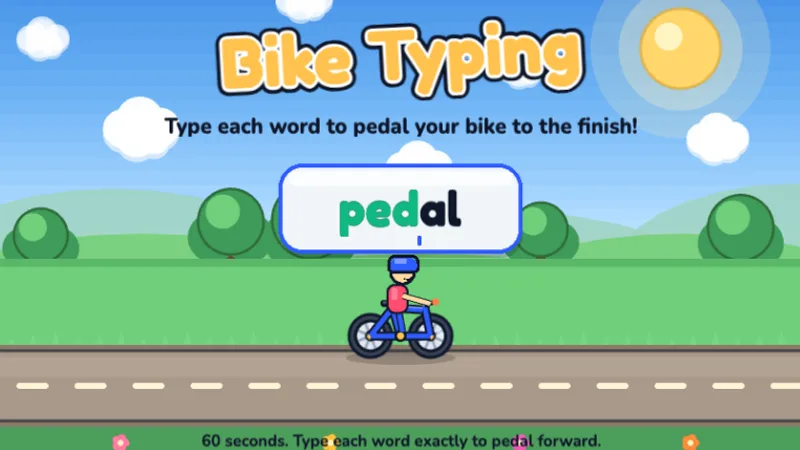
A free typing bike game — type each word to pedal your bike to the finish line!
1st·2nd·3rd · Ages 6-9
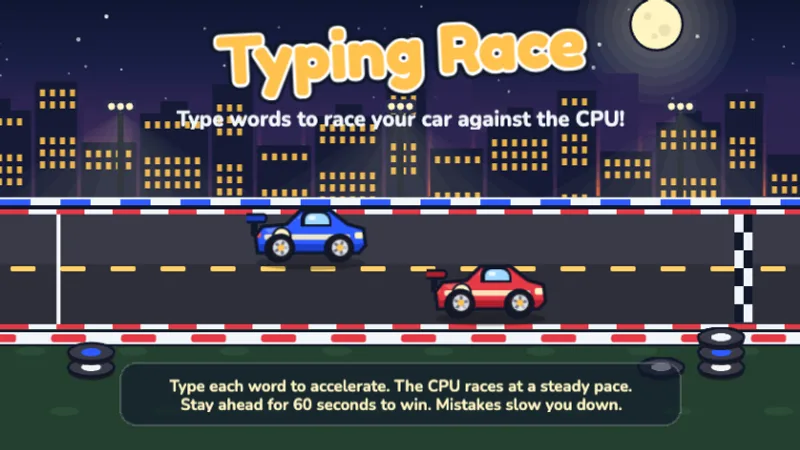
Race your car against the CPU by typing words — type faster to pull ahead!
3rd·4th·5th · Ages 8-12
Sentence-level head-to-head race against a faster AI — can you keep up?
5th·6-8 · Ages 10-14
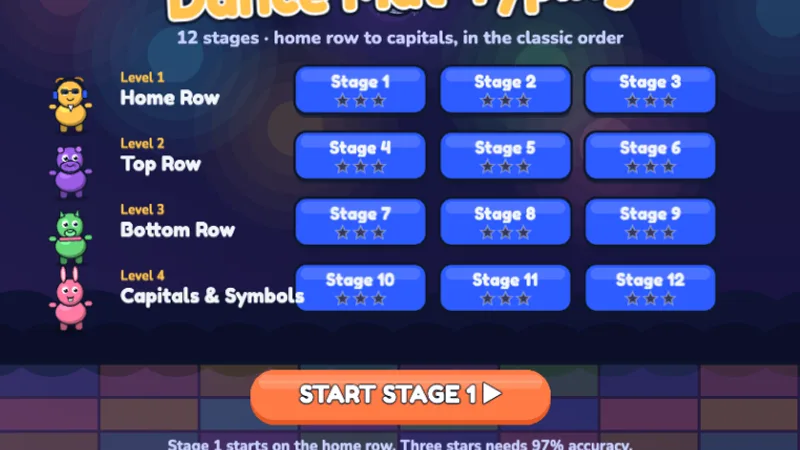
Twelve stages in the classic order — home row, top row, bottom row, then capitals and symbols — with dancing animal hosts, stars for accuracy and a class race mode. The original is still on BBC Bitesize; this is our own game with the same key order.
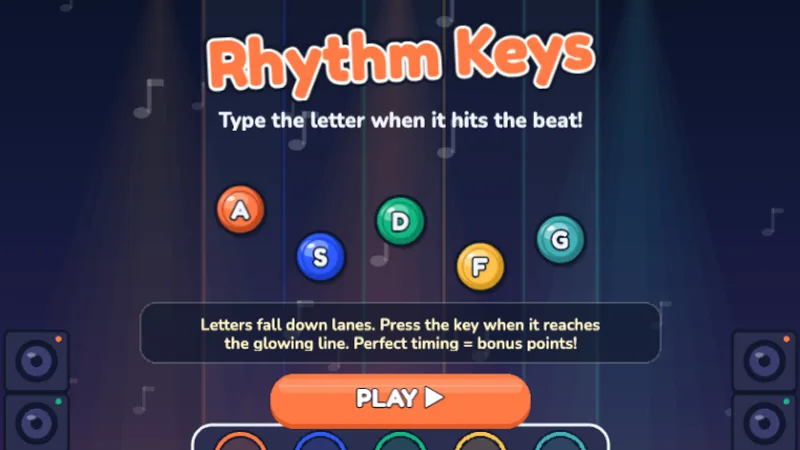
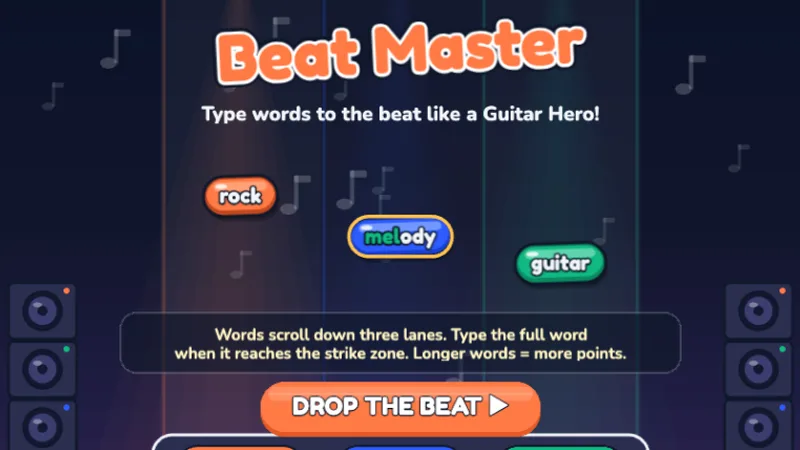
Type to the beat in these music typing games. Guitar Hero meets keyboard practice — hit Perfect timing for combo chains and high scores.
Earn badges and climb the boards — no sign-up, just play. Pick a fun name and avatar, then beat your best.
Collect badges across all 34 games to top the board. See your trophy case →
Three simple steps — whether you need typing games school networks can deploy or practice at home. No sign-up needed.
Choose games by grade level (Pre-K through 5th) or by skill — letters, words, speed, or accuracy.
Type letters, words, or sentences in fun themed games. Every game builds real typing skills — no boring drills.
See speed and accuracy improve over time. Take our kids typing test to check WPM anytime.
New this week: keyboard jump, where you type the word on the ledge above to climb ahead of rising water, and ghost typing, where each ghost carries a word to type before it reaches your lantern. Newest of all: a typing memory game where cards flip over and you type what you saw, and a plane typing game where every word steers your plane through a ring in the sky.
Common Core writing standard W.3.6 asks 3rd graders to "use technology, including the Internet, to produce and publish writing… with sufficient command of keyboarding skills to type a minimum of one page in a single sitting." State frameworks like the Illinois ISBE keyboarding standards set 25 WPM as the 5th-grade target. Kids who type fluently can focus on what they are writing instead of hunting for keys.
25 WPM
5th-grade target per Illinois & Wisconsin keyboarding frameworks
3rd grade
Common Core W.3.6 deadline for one-page typed writing
What we built
What we don't do
How that stacks up against the big programs, row by row: kids typing websites compared.
Click your child's grade to see games matched to exactly what they're learning in school.
Introduce your preschooler to the keyboard with simple, fun letter recognition games. No reading required — just match the letters they see and hear.
Kindergarteners are ready to start learning letter positions on the keyboard. These games focus on uppercase and lowercase letters, simple key presses, and building confidence.
First graders are ready for home row basics. These games teach proper finger placement on ASDF and JKL; — the foundation of touch typing.
Second graders expand from home row to the full keyboard. These games introduce top row, bottom row, and simple word typing.
Third graders are typing real words and short sentences. These games build speed and accuracy with age-appropriate vocabulary and sentence structures.
Fourth graders work on paragraph-level typing with proper punctuation. These games challenge speed while maintaining accuracy.
Fifth graders aim for fluent, confident typing. These games push speed past 30 WPM while maintaining high accuracy on complex text.
Middle schoolers need speed, accuracy, and endurance. These games push past 35 WPM with longer passages, timed challenges, and themes that match the maturity of older students.
When should kids start typing? How much practice is right? Our parent's guide covers everything — age benchmarks, daily practice tips, and what to expect at each grade level.
Use TypingGamesKids as typing games for students in your K-5 classroom. All games are free, require no login, and work on school iPads and Chromebooks. COPPA compliant and safe for any device.

I'm Bryant.Pan, a student at an international school. I started TypingGamesKids after watching first graders on my own campus struggle through ad-covered typing sites. Three days after launch, emails from parents in Mexico, Brazil, and France showed me that keyboards look different around the world — so I added Spanish, Portuguese, and French versions with correct keyboard layouts for each country.
The most common questions about kids and typing.
Most kids are ready to start exploring the keyboard around age 5 (Kindergarten). Structured typing (home row, proper finger placement) works best starting around age 7-8 (2nd grade). Before that, focus on letter recognition through fun games like Letter Rain or Alphabet Zoo.
Consistency matters more than duration: 5-10 minutes for ages 5-6, 10-15 minutes for ages 7-8, and 15-20 minutes daily for ages 9-11. Five minutes every day beats 30 minutes once a week.
General benchmarks: Kindergarten 5-10 WPM, 1st-2nd grade 10-20 WPM, 3rd grade 15-25 WPM, 4th-5th grade 20-35 WPM. Take our free typing test to see where your child stands.
Yes, 100% free. All 34 typing games are free to play — no hidden fees, no credit card, no premium tier (yet). No ads either. We follow COPPA guidelines and don't collect any personal information from children.
Yes. Every game runs in the web browser — no app downloads, no plugins. Works on iPads, Chromebooks, Windows laptops, Mac, and even phones (though desktop or tablet is best for actual typing practice).
Yes. While TypingGamesKids is designed for ages 5-14, many adults use our games to improve their own typing. Speed Racer, Zombie Apocalypse, and Type Master are popular typing games for adults who want to push past 40 WPM. The mechanics are the same — muscle memory does not care about your age.
Yes. Speed Racer is our typing games racing entry — your car moves faster the faster and more accurately you type, with live WPM displayed on screen. It is one of the most popular games on the site for kids who are competitive about their speed.
There are paid typing games on Steam, but you do not need them. TypingGamesKids offers 34 free browser-based typing games with no download or installation. Unlike typing games on Steam, our games are free, run instantly in any browser, and are designed with age-appropriate difficulty curves for learners.
Yes. TypingGamesKids is built for what typing games school environments need — no accounts, no downloads, no ads, COPPA compliant, and works on Chromebooks and school iPads. Teachers can send students directly to any game URL with zero setup. See our teacher resources for classroom tips.
Jump into any game. No account. No credit card. No ads. Just fun, educational typing games your kid will actually want to play.