🏁 Multiplayer Class Typing Race
A free multiplayer typing game for the whole class: one person hosts, everyone joins with a 6-digit code, and the live leaderboard goes on the projector. No student accounts, nothing to install.
Room games · one 6-digit code
Three games your class can play together
- No accounts
- No chat
- Class screen or at home
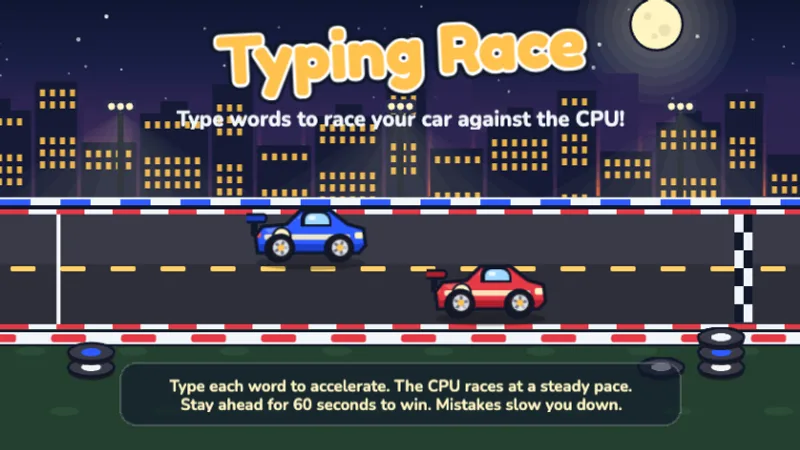
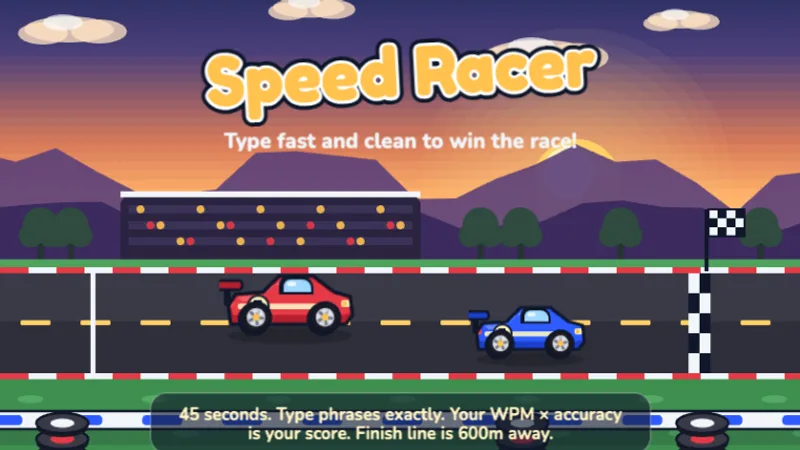
Class Race
Everyone plays one game or passage at once; the live leaderboard goes on the projector.
- Up to 60 players
- 1–10 min
- Pre-K–8
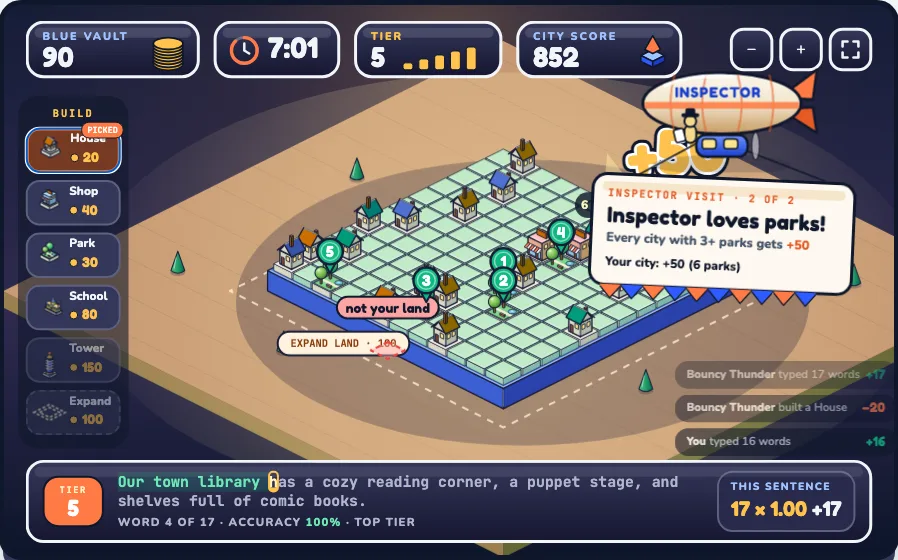
Type Town
Teams type sentences to fill a shared vault, then spend it building the best little city on the class screen.
- 2–4 teams · up to 30 players
- 5, 8 or 10 min
- K–8
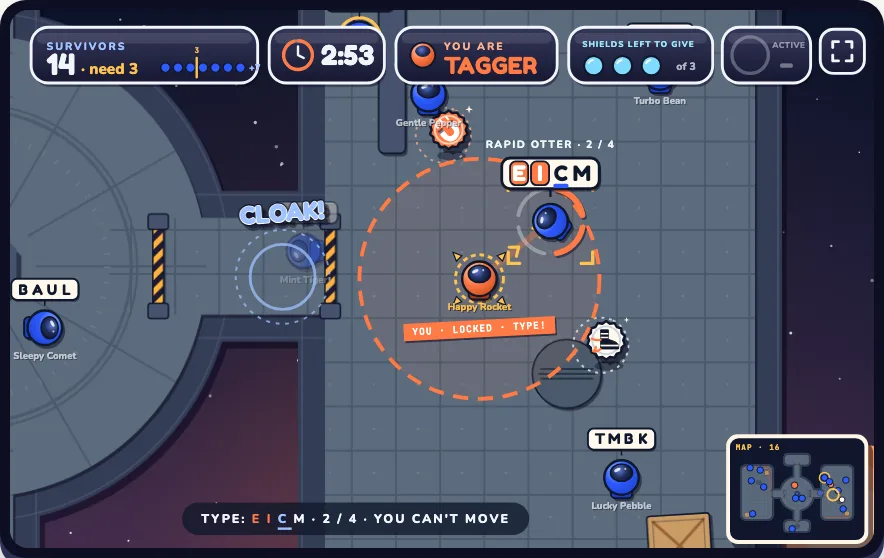
Letter Tag
Type the letters above a player's helmet to tag them. Optional guard shields and power-ups keep survivors running.
- 3–30 players
- 2, 3 or 5 min
- K–8
🧑🏫 Teachers: host a race
Pick a level and length, put the room code on the projector, and start when everyone is in.
What to race
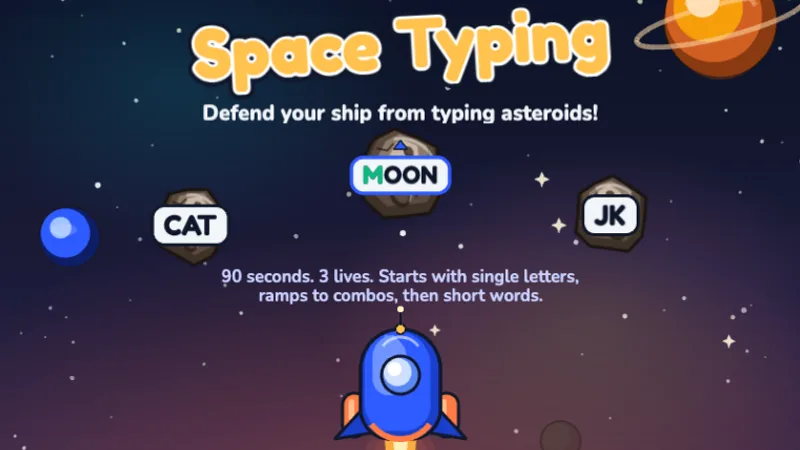 🏁
🏁Space Typer
Everyone plays one round of this game at the same time; the projector ranks the class by score as results come in.
Signed in as . Team results (class average, fastest, accuracy) go to the classroom's results page and the weekly leaderboard. Manage classrooms
Teacher? Sign in with Google to keep your class's results race by race and join the weekly school leaderboard. Optional; quick races work without it.
Only used to count how many schools and classrooms use Class Race. Never shown to students, never tied to any name or score.
No class yet? Add your nickname and you can start a race on your own to try it out.
🎒 Students: join a race
Type the 6-digit code from the board, pick a nickname, and get ready!
Connection lost — reload this page and create a new room.
Students go to and enter:
Keep this tab open on the projector — the live race shows here.
Scan to join
In the room: 0
Start unlocks as soon as one racer is in the room — that can be you if you joined with a nickname.
🏁 Race in progress
–s
Students replay the game until the clock runs out; the board ranks them by total points live. Point milestones hand out power-up cards (double, triple, bonus points, steal 10% from the racer above). The round closes on the clock or when you press End round now.
🎉 Final results
Pick a game for the class
⌛
Pick the number your teacher gave you so your progress lands in the right place. It's just a number, not your name.
Play until the clock runs out.
–s
Next power-up card
0 cards
–
SECONDS
0
WPM
100%
ACCURACY
Top 5 · live
🎁 Power-up — pick a card!
How the online typing competition works
- Host: pick which game the class will race in (any of our 34 typing games, or a plain typing test passage), then click Create a race room. A 6-digit code appears (or type your own, like your room number) — put it on the projector.
- Join: students open this page on any device, enter the code and a nickname. You'll see them pop into the room as they arrive.
- Race: hit start, and after a 3-2-1 countdown everyone plays one round of the chosen game (or types the same passage). The projector shows a live WPM leaderboard, and racers see the top 5 as they type. When time runs out, the podium appears — then race again with the same code.
🏆 This week's fastest classes
Classrooms ranked by their best class-average score this week, per game and grade. Class averages only, never individual students. Resets every Monday. Sign in as a teacher to put your class on the board.
More Multiplayer Typing Games for Your Class
A race is one way to play together. These two room-code games use the same idea — one 6-digit code on the class screen, kids join with a nickname, no accounts, no chat — but turn typing into teamwork and a chase. In Type Town, a city building game for kids, teams type sentences to fill a shared vault and spend it on houses, parks, schools and towers. In Letter Tag, an online tag game for kids, taggers chase survivors around a space station and must type the letters on a classmate's helmet to tag them.
Frequently asked questions
Do students need accounts to play this multiplayer typing game?
No. Students join with the 6-digit room code and a nickname — no email, no password, no sign-up. It works on Chromebooks, laptops, and tablets with a keyboard.
Is any student data stored?
No. Nicknames and scores exist only inside the room while the race is running and are deleted automatically afterward. Nothing is written to any account or leaderboard, in line with our children's privacy policy. The only thing we keep is a count of rooms, races and racers per day, and, if a teacher chooses to type one, the school or district name entered when hosting, so we can tell how many classrooms Class Race is helping.
How many players can join a typing competition at once?
Up to 60 racers per room — enough for a full class or two combined. Everyone types the same grade-level passage, so ranking is fair.
Which grade levels does it cover?
Passages run from Kindergarten (simple lowercase words) through middle school. It's the same leveled text as our typing test for kids, so a 1-minute race doubles as a quick WPM check.
More for your classroom
Between races, students can practice solo with our free typing games, follow the lesson path in dance mat typing, or check progress on the typing test. See the teacher guide for a weekly practice schedule.