 K·1st·
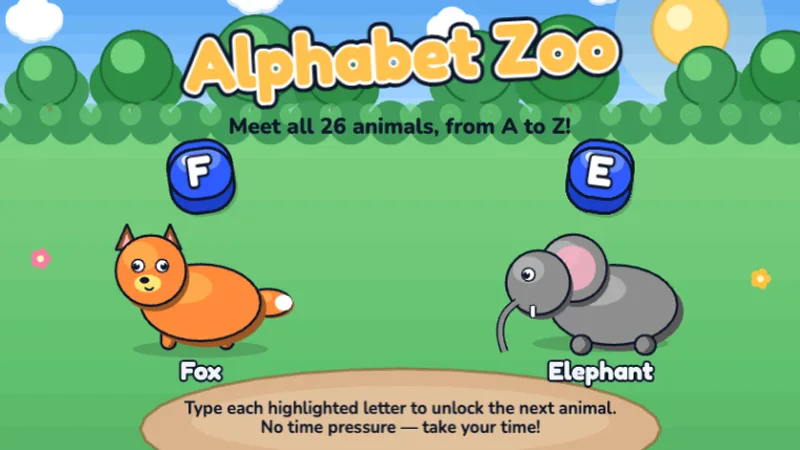
Alphabet Zoo
Type the alphabet from A to Z — type each letter to unlock the next animal!
★☆☆☆☆
Ages 5-7
Letters
First graders are ready for home row basics. These games teach proper finger placement on ASDF and JKL; — the foundation of touch typing.
⌨️ Quick answer: A 1st grader with consistent practice ends the school year at around 10 to 12 WPM with 90 percent accuracy. Less than that is common and not a concern — 1st grade WPM is highly variable because it depends on reading fluency, practice frequency, and whether the child has access to a real keyboard at home.
1st grade is the year typing actually becomes a skill, not just letter play. The reason is home row — the eight keys (ASDF on the left, JKL; on the right) that your child's fingers rest on when they are not pressing anything. Home row is the single highest-leverage typing concept a 1st grader will learn. Every key on the keyboard is reachable in one finger-hop from home row, which means a child who owns home row can learn any key quickly. A child who never learns home row can still type eventually, but they stay stuck at 15 to 20 WPM for life. That is the entire case for putting real effort into 1st grade typing: the habits formed this year decide whether typing ever stops being slow. Typing for first graders is therefore less about words per minute than about which eight keys the fingers go home to between words. That is exactly what Level 1 of the old four-level path drilled, and the dance mat typing games page keeps that order intact if you want a syllabus rather than a shelf of games. Once home row is automatic, typing for 2nd graders picks up with whole words. First graders who are ready for whole words usually take to the typing bike game, where each word pedals the bike forward. First graders following the BBC order start at dance mat typing level 1, the home row.
First grade is where home row habits set. The games below are the home-row subset of our free typing games for kids — start here before anything that rewards speed.
No login, no ads, instant play.
K·1st·
Type the alphabet from A to Z — type each letter to unlock the next animal!
 1st·2nd·
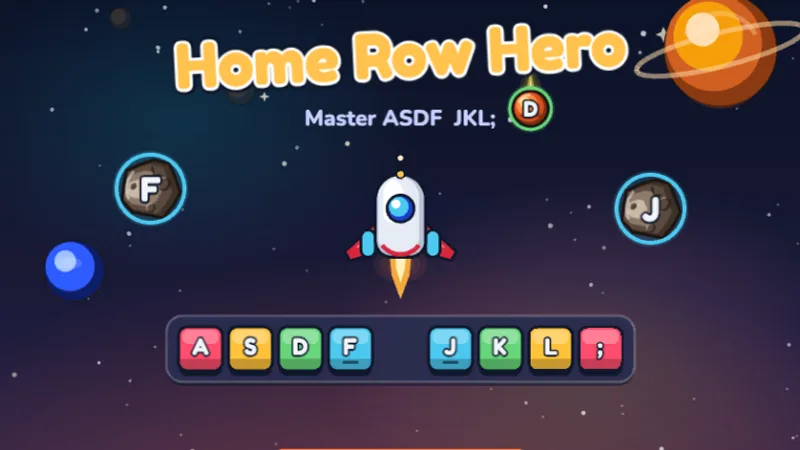
Master the home row keys and become a typing hero in outer space!
 1st·2nd·
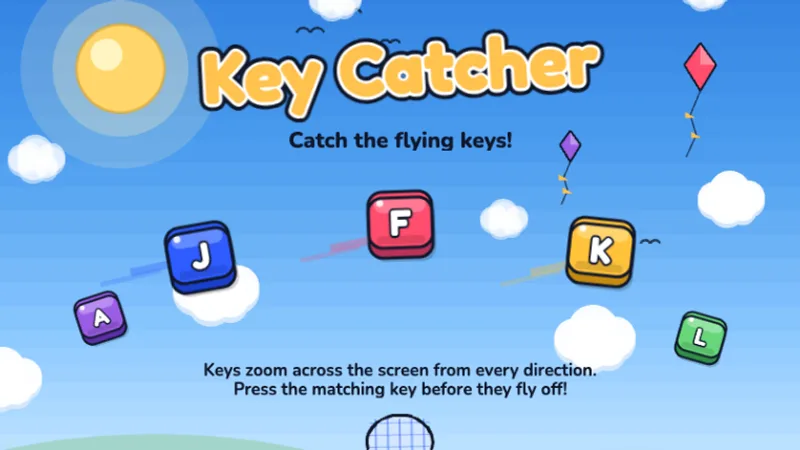
Keys are flying across the screen — catch them all by typing fast!
 K·1st·
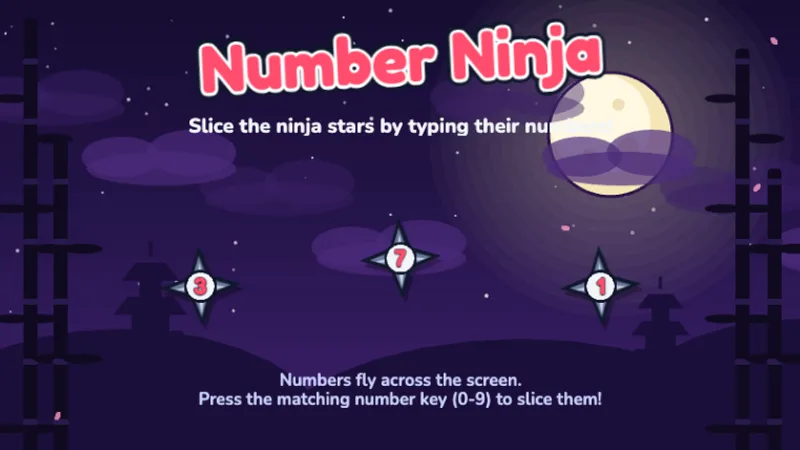
Slice ninja stars by typing their numbers — learn the number row!
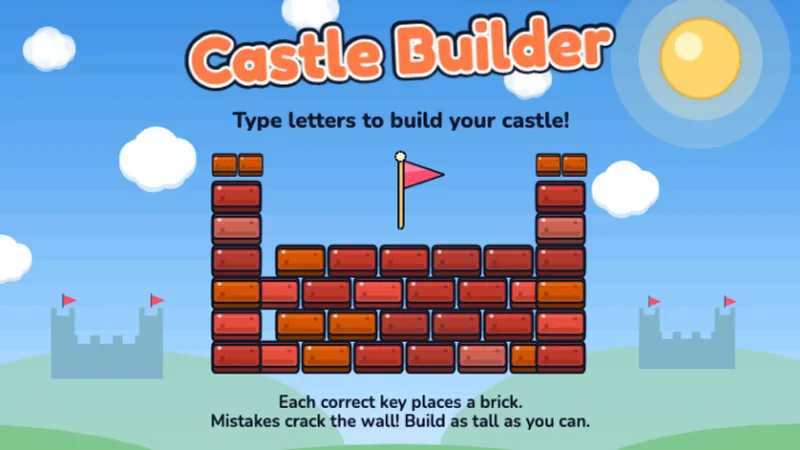 K·1st·
Type letters to place bricks and build your very own castle!
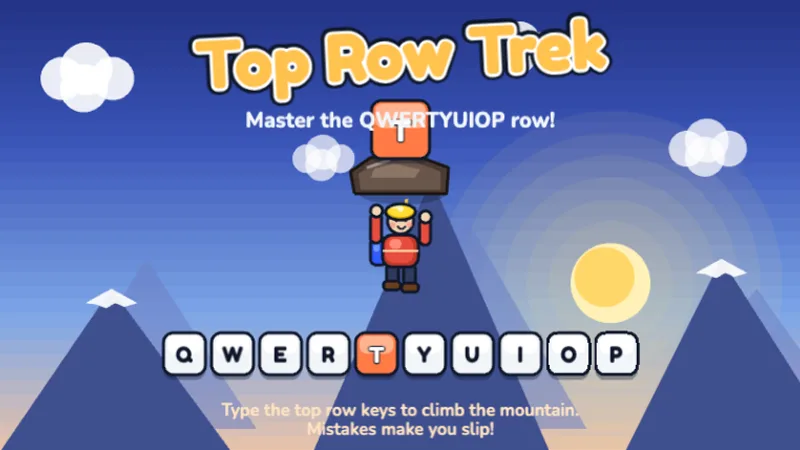 1st·2nd·
Climb the mountain by mastering the QWERTYUIOP top row keys!
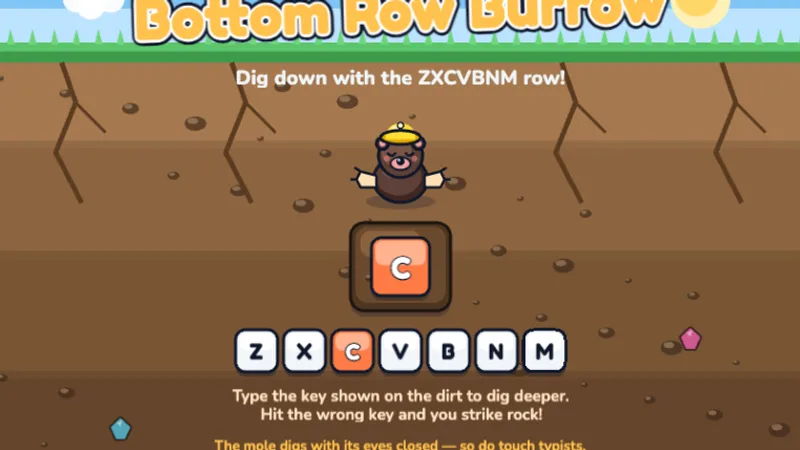 1st·2nd·
Dig down through the dirt by mastering the ZXCVBNM bottom row keys!
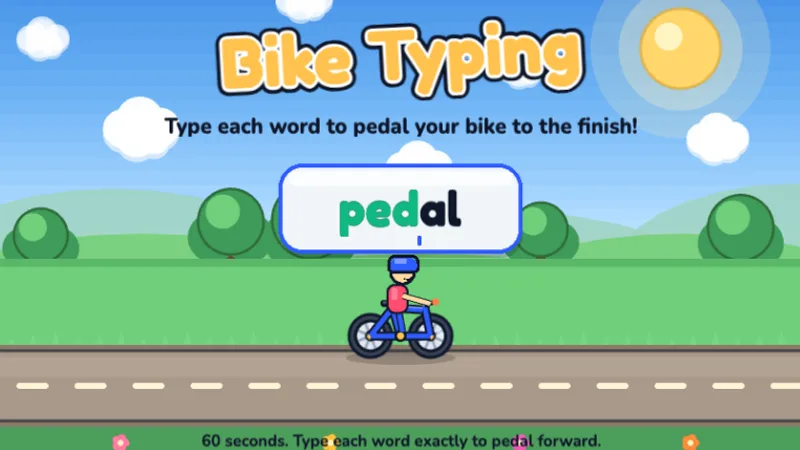 1st·2nd·3rd·
A free typing bike game — type each word to pedal your bike to the finish line!
 Pre-K·K·1st·
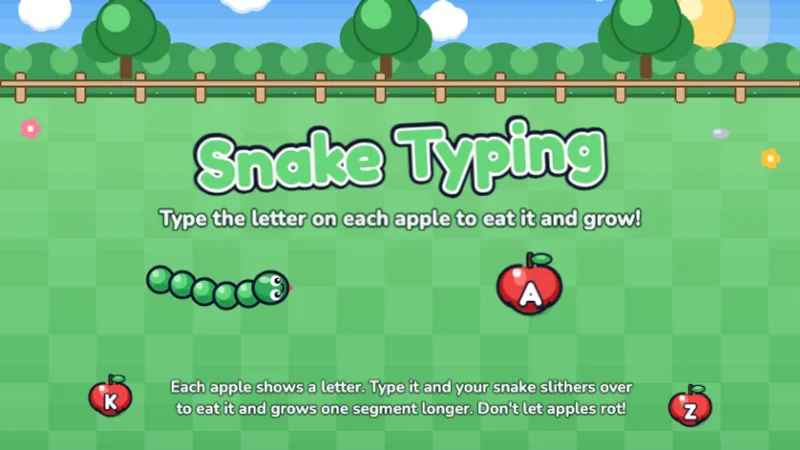
A free typing snake game — type the letter on each apple to eat it and grow!
 1st·2nd·3rd·4th·
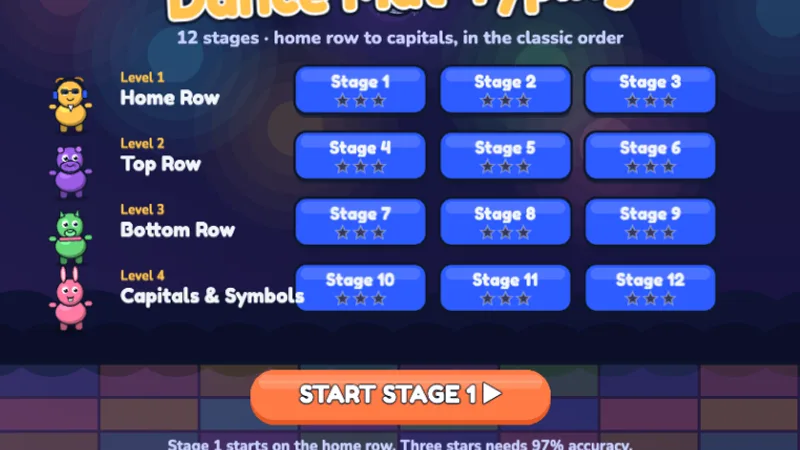
Twelve stages from the home row to capitals — dance your way through the keyboard!
Home Row Hero is the flagship 1st grade game and it should be the first one you introduce this year. It uses only the home row keys — no reaching, no scrolling to the top row, no stretches to shift or punctuation. That narrowness is the point: a 1st grader playing Home Row Hero is building the single most important motor pattern they will ever learn on the keyboard.
Key Catcher is the speed follow-up to Home Row Hero. Same home-row constraint, but keys fly in from different angles at a faster pace. Introduce this in the second or third month of 1st grade practice, once Home Row Hero is no longer a challenge. Its job is to turn accurate home-row typing into fast home-row typing.
Alphabet Zoo still has a place in 1st grade as a warm-up game. It is the only game here that uses all 26 letters, so it keeps full-keyboard familiarity alive while your child spends most of their practice time on home row. Use it for the first two minutes of a session.
In 1st grade, students move from hunt-and-peck to structured finger placement. Home row mastery is the single most important typing skill they'll learn — every other key is reached from this position.
The more useful 1st grade benchmark is not WPM but home-row competence. By the end of the year, can your child keep their fingers on ASDF and JKL; for a full home-row game without glancing at the keyboard? If yes, they are in great shape — speed will come naturally in 2nd grade. If no, it is worth slowing down and giving home row a few more months before pushing for speed. Speed built on top of hunt-and-peck is a ceiling; speed built on top of home row has no ceiling. The tradeoff is worth it almost every time.
1st grade typing practice is the first time a real routine matters. Younger children benefit from short, low-structure play. 1st graders benefit from short, slightly structured sessions with a clear focus. Here is the routine that works for most families.
Two small round stickers on the F and J keys (the keys with the little nubs, if your keyboard has them) and four more on the A, S, D, L, K, and ; keys give your child a visual anchor for home row. Most children do not need the stickers after four to six weeks — by then the finger positions feel natural.
Sit at the keyboard with your child watching. Say: 'My left pinky goes on A, ring finger on S, middle finger on D, pointer on F. My right pointer goes on J, middle on K, ring on L, pinky on semicolon. When I'm not pressing a key, my fingers live there.' Then let them try. This takes two minutes and is worth more than an hour of unguided play.
Resist the urge to let your 1st grader skip ahead to full-keyboard games. Two months of dedicated home row work is what cements the habit before faster, more varied practice comes in. It is boring in week four; it pays off in year four.
Once your child can play Home Row Hero comfortably with eyes open, start the habit of eyes-on-screen typing. Cover their hands with a cloth napkin or sheet of paper for the first minute of each session. If they miss keys, that is fine — this is how touch typing starts. The looking-at-the-keyboard habit is the biggest single thing you can prevent this year.
1st grade is the earliest grade where a formal keyboarding block pays off, even if your district does not mandate one. Fifteen minutes of typing-game rotation two to three times a week during literacy block gives most 1st graders enough practice to reach the 10-to-12 WPM range by spring. Home-row-focused games during the fall semester, with a gradual introduction of full-keyboard games in the spring, is the sequence most experienced elementary tech teachers recommend.
Individual devices from this point on. Shared keyboards break down in 1st grade because a child who has to wait for their turn cannot hold the home-row finger position during the wait, and the other child is typing differently. If devices are scarce, stagger the rotation so fewer children are practicing but each of them is doing it correctly.
Twelve to fifteen minutes per session is the 1st grade sweet spot. Past fifteen minutes, finger fatigue becomes noticeable and children start curling their fingers into their palms between keys — the opposite of the home-row habit you are trying to build.
The hardest habit to break is looking at the keyboard. Encourage your child to try typing without looking — even if they make mistakes, building this habit early pays off enormously.
My 1st grader keeps looking at the keyboard.
This is the single hardest habit to prevent in 1st grade, and it is the one most worth prevent. Cover their hands with a piece of paper or a thin kitchen towel for the first minute of each session. They will miss keys — that is supposed to happen. Missing keys while not looking is how the brain builds the map between finger position and screen output. That map is touch typing.
My child uses their pointer fingers for every key.
This is the 1st grade version of hunt-and-peck and it is the habit this year is specifically designed to break. Home Row Hero enforces one-finger-per-key because each key only responds if the correct finger is used — other games do not, so this one is the most useful. If your child has been pointer-pecking since kindergarten, allow four to six weeks for the correct finger habit to replace it. Speed will briefly drop during that window, then recover.
My 1st grader gets frustrated with Home Row Hero and wants to quit.
Home-row games feel harder than kindergarten games because they are. Short, frequent sessions — even just five minutes a day — work better than longer ones when frustration is high. Also, take a week off if needed. 1st grade typing progress is not linear, and a seven-day break rarely costs any ground.
A week-by-week home-typing plan that introduces home row in week three and builds on it through week twelve.
Age-by-age WPM benchmarks and the 5-per-grade rule that explains why 1st graders should aim for around 10 WPM.
Readiness signals for structured typing practice, including why 1st grade is the optimal window for introducing home row.
The complete WPM benchmark table from age 5 through 65+, including what counts as fast, net vs raw speed, and how to improve at any age.
Speed-focused racing games from Space Typer to Type Master, organized by difficulty for when your child is ready to push WPM.
Our grade-level targets align to U.S. keyboarding standards and published research:
Last reviewed June 2026 · TypingGamesKids. See the full typing speed by age guide.
Take a Typing Test
Start Typing Test