 3rd·4th·
Speed Racer
Race your car by typing as fast as you can — faster typing means faster speed!
★★★★☆
Ages 8-10
Speed
Full Keyboard
Fourth graders work on paragraph-level typing with proper punctuation. These games challenge speed while maintaining accuracy.
⌨️ Quick answer: The 4th grade target is 20 to 25 WPM with 95 percent accuracy. 20 WPM is the working floor, 25 WPM is comfortable, and 30 WPM in 4th grade puts a student well above typical.
4th grade typing is mostly about one thing: computer-based state tests. Between March and May, most 4th graders take some form of standardized test on a laptop or Chromebook — reading passages with typed short-answer responses, math with typed explanations, writing prompts with typed essays. A 4th grader who types 20 to 25 WPM finishes the test with time left to think. A 4th grader who types 10 to 12 WPM spends most of the time trying to get the answer out of their head and onto the screen, which means shorter, simpler, lower-scoring responses. That one-year difference in typing speed routinely accounts for a full proficiency band on state writing assessments. This is the year to close the gap if it exists. Put plainly: typing 4th grade practice has a deadline on it, and the deadline is test week. Typing for 4th graders who are already at 20 WPM is maintenance; below 15 WPM it is the highest-return ten minutes a week you can spend. The two games that put a number on screen fastest are the speed racer typing game and the typing rhythm game, both below. Fourth graders who want a theme on top of speed usually pick the fruit ninja typing round in Ninja Type, and the typing games for 5th graders page shows the benchmark waiting next year. Capitals and punctuation are dance mat typing level 4, which is where 4th grade writing assignments start to demand them. If the class wants something with a bit of atmosphere in October, ghost typing game uses the same word-level practice with a Halloween coat of paint. When the drill needs a break, the airplane typing game keeps the same word practice going at a faster pace.
By fourth grade a child types well enough that the bottleneck is speed rather than key-finding. That changes which of our typing games kids actually need are worth their time — the ones below all put a number on the screen.
No login, no ads, instant play.
3rd·4th·
Race your car by typing as fast as you can — faster typing means faster speed!
 4th·5th·
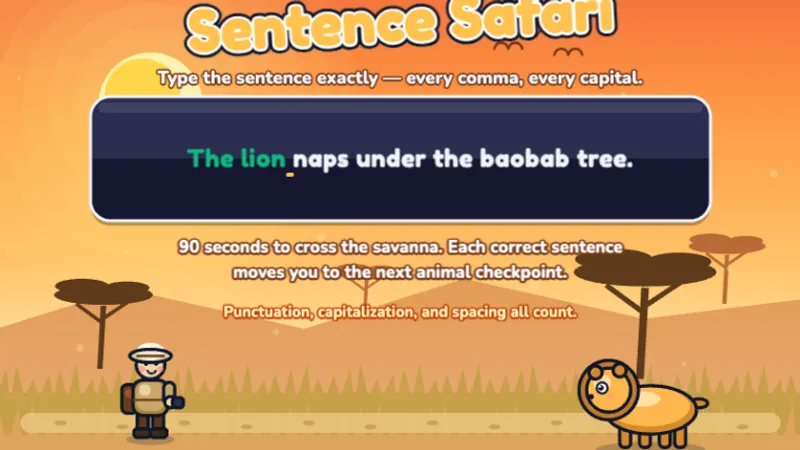
Type full sentences to guide your explorer through the African safari!
 4th·5th·
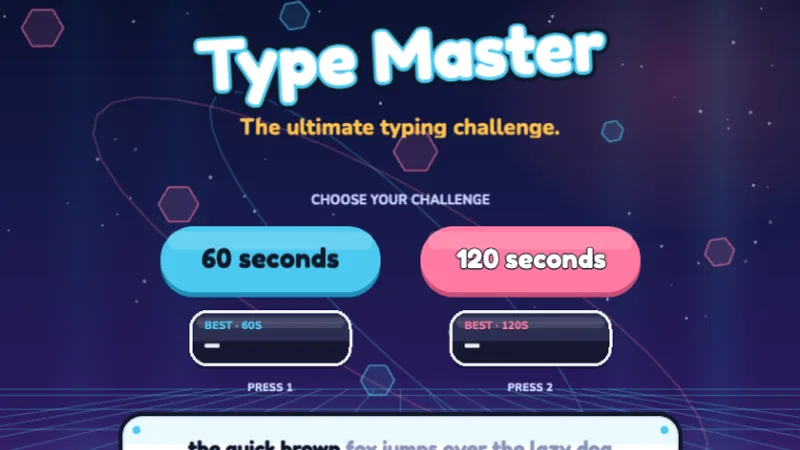
The ultimate typing challenge — test your speed and accuracy across all keys!
 3rd·4th·
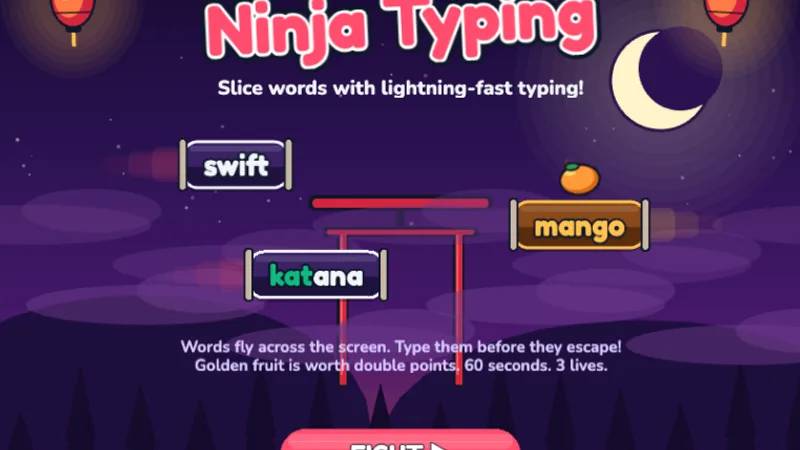
Words and golden fruit fly across the screen — slice them with lightning-fast typing!
 3rd·4th·
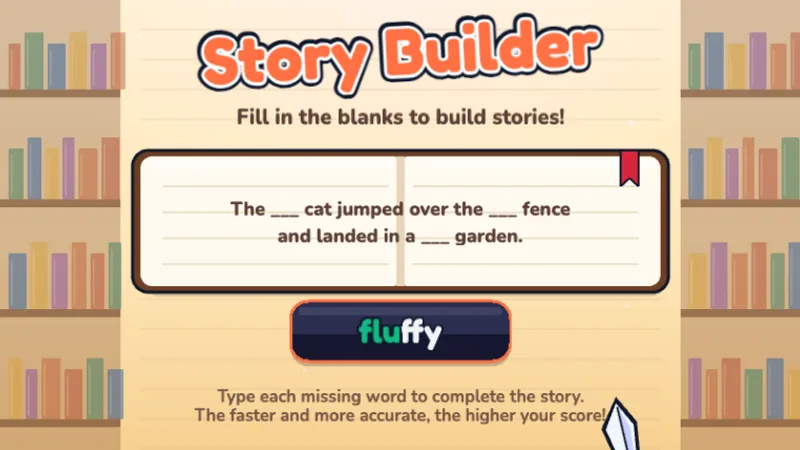
Fill in the missing words to complete fun stories — typing meets creativity!
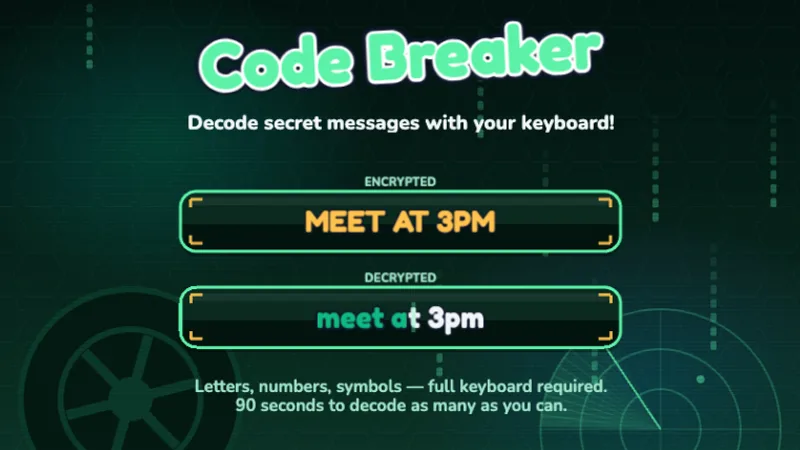 4th·5th·
Decode secret messages using letters, numbers, and symbols — full keyboard mastery!
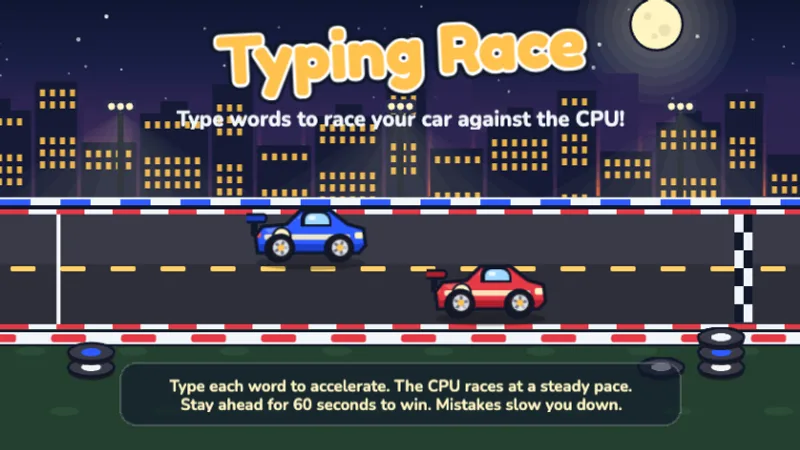 3rd·4th·5th·
Race your car against the CPU by typing words — type faster to pull ahead!
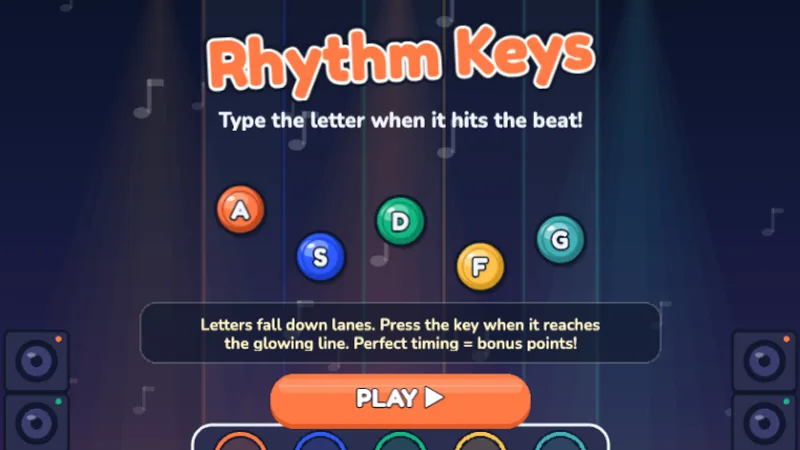 2nd·3rd·4th·
Type letters to the beat — hit Perfect timing for bonus points!
 4th·5th·6-8
Guitar Hero meets typing — type words as they scroll down the stage!
 1st·2nd·3rd·4th·
Twelve stages from the home row to capitals — dance your way through the keyboard!
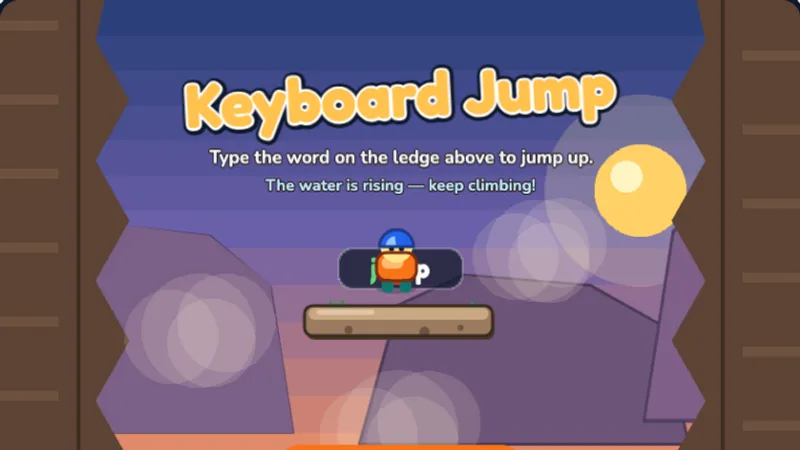 2nd·3rd·4th·5th·
Type the word on the ledge above to jump up the canyon before the water rises!
 2nd·3rd·4th·5th·
Type the word each ghost carries to send it home before it reaches the lantern!
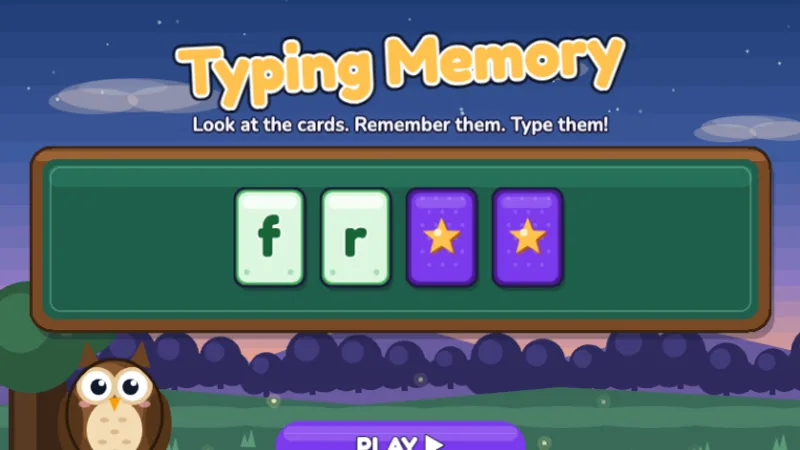 2nd·3rd·4th·5th·
Watch the cards flip up, remember the letters, then type them from memory!
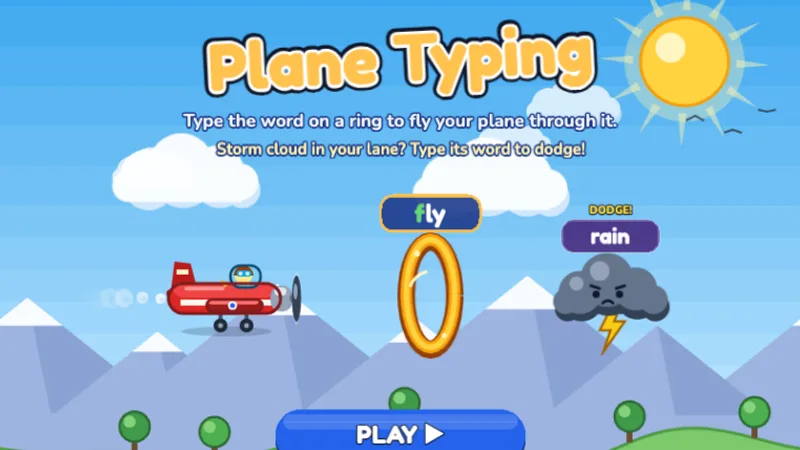 2nd·3rd·4th·5th·6-8
Type the word on each golden ring to fly your plane through it, and dodge the storm clouds!
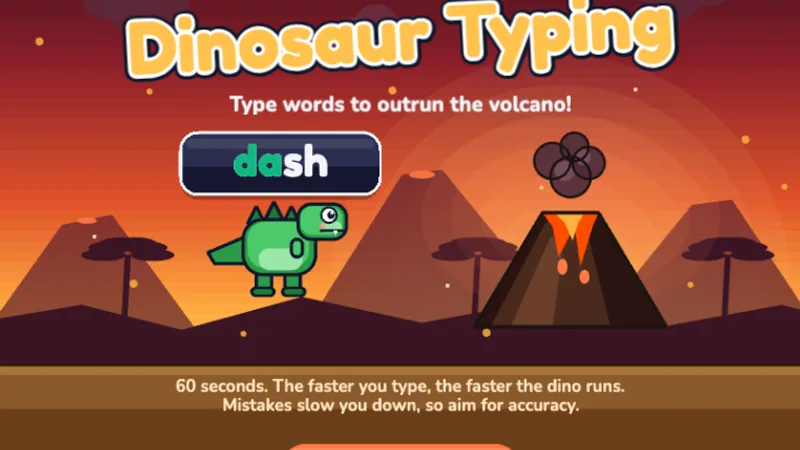
Dino Dash is still useful in 4th grade as a warm-up and as an accuracy anchor. Its word-level focus with light pace pressure keeps clean typing habits from eroding while your child takes on harder material.
Speed Racer is the 4th grade speed-building engine. The live WPM display on screen, combined with the car-on-track feedback loop, gives 4th graders the tight practice-progress cycle they respond to. Play this two or three times a week throughout the year and WPM will climb steadily.
Sentence Safari is the flagship 4th grade game. Full sentences with punctuation, capital letters, and spacing — the exact mix of skills state tests require. Start introducing this in the fall semester and make it the main game by winter. It is harder than Dino Dash for good reason.
Type Master is technically a 4th-and-5th-grade game, and it works best in spring of 4th grade as a challenge piece. Its mixed-difficulty passages mirror standardized test text better than any other game on the site. Use it in short bursts before state testing season as a readiness tool.
By 4th grade, students should be comfortable with the full keyboard. The focus shifts to typing longer passages, using punctuation marks correctly, and building speed toward 25 WPM — enough to keep up with classroom demands.
4th grade is where the five-per-grade rule stops being a rough estimate and starts matching what most children actually hit. A 4th grader practicing typing two or three times a week through the fall semester typically reaches 20 WPM by December and 25 WPM by May. Below 18 WPM going into spring is the practical threshold where state test performance starts being measurably limited by typing speed — and it is also the point where twenty to thirty minutes of daily home practice for six weeks usually produces a 4-to-6 WPM gain. That window, from Presidents' Day to state testing in April, is the highest-leverage practice period of the entire elementary typing journey.
4th grade typing practice is less about starting fresh and more about refining what is already there. Most 4th graders have been typing for two or three years — the practice routine adjusts to fix specific bottlenecks rather than build foundations.
Run a one-minute test with our Typing Test. Then type out the results. Speed-limited 4th graders are fast on short words and slow on longer ones (six letters and up). Accuracy-limited 4th graders have WPM that looks fine but error rates above 7 percent. Attention-limited 4th graders do well for 30 seconds and then slow down. The fix is different for each.
By 4th grade, individual words are no longer the main practice unit. Sentence Safari should be played more than any other game because its sentence-level text with full punctuation is the closest match to what school actually asks. Twenty minutes on Sentence Safari is worth thirty on any word game at this age.
Two of the four most common 4th grade typing mistakes are missed capital letters at the start of sentences and missed periods at the end. Both come from the same root: shift and period both require pinky-finger moves that children tend to skip when typing quickly. Have your 4th grader type five sentences each session with deliberate focus on capital-at-start and period-at-end. Three weeks of this makes the habit automatic.
Starting in October, a weekly 60-second typing test gives your child exposure to the timed-pressure format they will face on state tests. Consistency of the test time matters more than the result — same day of the week, same time of day, same typing test format. The number trends up over the year; trust the trend, not any single result.
4th grade is the most common grade for state testing technology-readiness work, and typing practice is the bulk of it. Sixty minutes of keyboarding per week in the fall semester, increasing to ninety minutes per week in January through the start of testing, is the schedule most experienced 4th grade teachers settle on. Pair typing-game time with at least one fifteen-minute document-typing block per week where students type a real short response into a document — the skill transfer from game to document does not happen automatically and must be practiced explicitly.
Individual devices, headphones on, own Google account or login. At 4th grade, typing practice is also an early taste of test-taking conditions, and mimicking those conditions from October onward makes state testing a continuation of what is already normal rather than a new and anxiety-producing situation.
Twenty to twenty-five minutes per session is the 4th grade productive window. Slightly longer than 3rd grade reflects the longer attention span at this age. Past twenty-five minutes, error rates start climbing — if you need more total practice, add a second session instead of extending the first.
Fourth graders who can type 20+ WPM have a real advantage in school. Many standardized tests are now computer-based — fast typing means more time to think about answers.
My 4th grader's state test is in six weeks and they type 15 WPM.
This is the single most common typing concern parents raise, and it is fixable in six weeks if practice is consistent. Twenty-five minutes a day, six days a week, focused on Sentence Safari and Type Master, typically gains 5 to 7 WPM in six weeks. That is usually enough to move from 'typing is limiting' to 'typing is fine' for state testing purposes. The specific games matter less than showing up daily.
They can type words fast but freeze on punctuation.
Punctuation is not a typing problem; it is a typing-plus-grammar problem. When a 4th grader freezes on punctuation, they are usually unsure whether to use a comma or a period, which breaks the typing rhythm. Sentence Safari helps because the punctuation is written in — your child types what is shown, so the grammar decision is already made. Three to four weeks of Sentence Safari resolves almost all freeze-on-punctuation issues.
My 4th grader says typing is boring now.
By 4th grade, typing games that were engaging in 2nd grade often feel too young. This is real, not just preference. Shift the mix: less Dino Dash and Word Bubbles, more Speed Racer (for speed competition with self) and Type Master (for timed-test format). If that does not help, a three-week break is fine. 4th grade typing skills do not erode in three weeks, and coming back to it fresh is better than grinding through boredom and building resentment.
The five-per-grade rule, what accuracy really measures, and how to separate signal from noise in your 4th grader's weekly typing test numbers.
By 4th grade typing is faster than handwriting for most children — this post explains what that means for how you should be splitting school practice.
The complete WPM benchmark table from age 5 through 65+, including what counts as fast, net vs raw speed, and how to improve at any age.
Speed Racer, Dino Dash, and Type Master — the racing games that push 4th graders toward 25 WPM.
Our grade-level targets align to U.S. keyboarding standards and published research:
Last reviewed June 2026 · TypingGamesKids. See the full typing speed by age guide.
Take a Typing Test
Start Typing Test