 Pre-K·K·
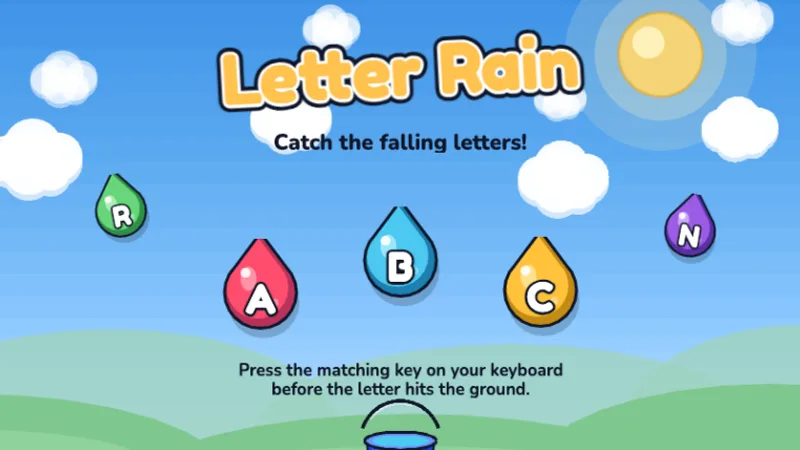
Letter Rain
Catch falling letters by pressing the right key before they hit the ground!
★☆☆☆☆
Ages 4-6
Letters
Kindergarteners are ready to start learning letter positions on the keyboard. These games focus on uppercase and lowercase letters, simple key presses, and building confidence.
⌨️ Quick answer: For the first time, WPM becomes a measurable number — but a small one. Most kindergarteners who play typing games a few times a week end the year at 5 to 7 words per minute, with accuracy in the 85 to 90 percent range.
Kindergarten is the year typing shifts from random key mashing into something that almost looks like a skill. A kindergartener already knows most of their letters when they walk in on day one, and by the end of the year they are expected to read simple words and write short sentences by hand. Typing games fit neatly into that arc — the same letters the teacher is pointing at on the alphabet wall are the ones sitting on the keyboard at home. The goal at this age is not speed. It is confidence: your kindergartener should walk away from each session feeling like the keyboard is a friendly place, not a confusing one. That is what typing for kindergarten should look like, whether it happens at a classroom station or on the sofa at home — short sessions, letters they already recognize, and no timer. Start with an abc typing game if letter names are still shaky, then the typing zoo game once they are solid. Most families searching for typing games for kindergarteners end up on the snake typing game first, because it only asks for one letter at a time. Kindergarteners who already know every letter can try the abcdefghijklmnopqrstuvwxyz game, a simple A to Z timer with no words yet.
Kindergarten sits between letter recognition and real keyboarding, so most families use two or three games rather than one. All of our kids typing games are free and need no account, which makes trying several of them cheap.
No login, no ads, instant play.
Pre-K·K·
Catch falling letters by pressing the right key before they hit the ground!
 K·1st·
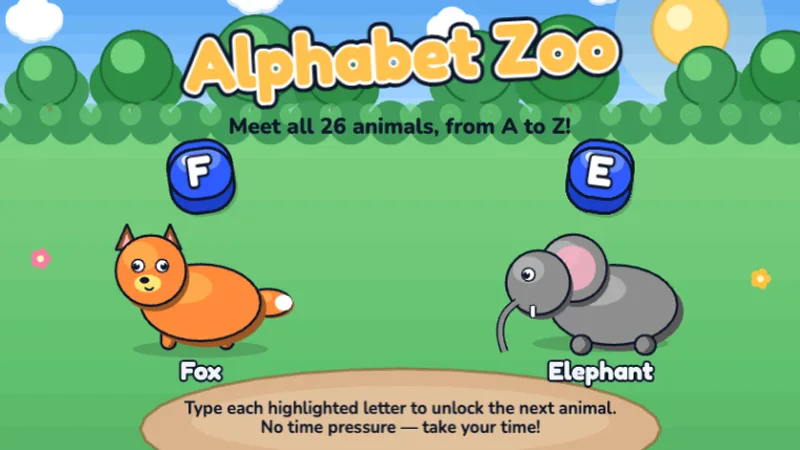
Type the alphabet from A to Z — type each letter to unlock the next animal!
 Pre-K·K·
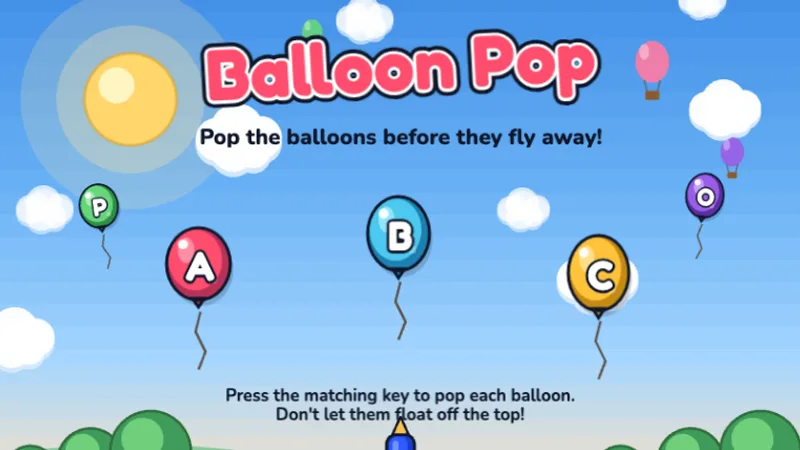
Pop colorful balloons by pressing the matching letter before they fly away!
 K·1st·
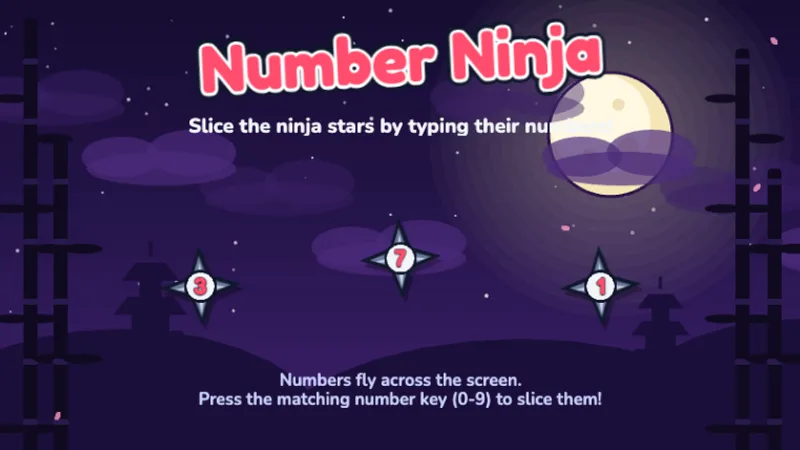
Slice ninja stars by typing their numbers — learn the number row!
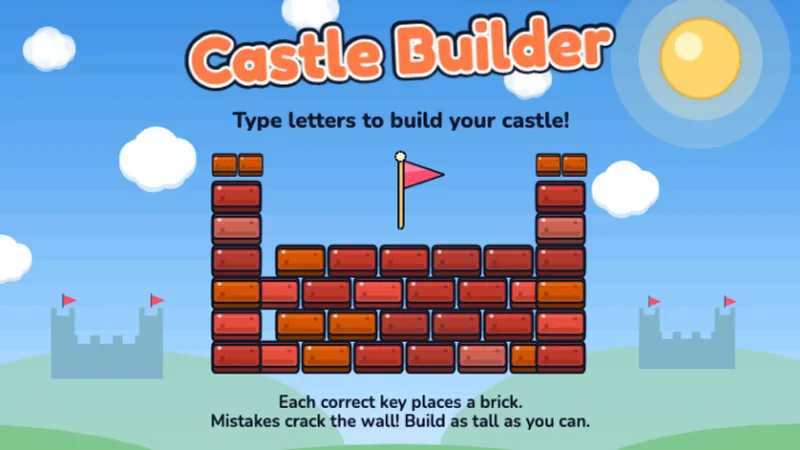 K·1st·
Type letters to place bricks and build your very own castle!
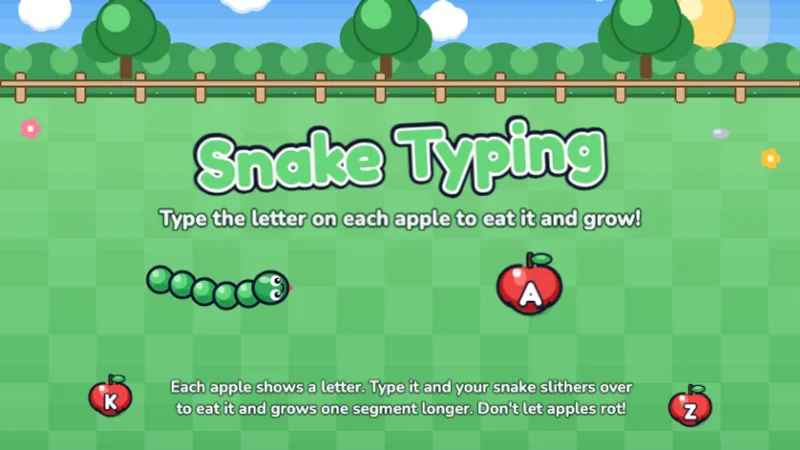 Pre-K·K·1st·
A free typing snake game — type the letter on each apple to eat it and grow!
Letter Rain is still the right starting point in kindergarten, even though it is a Pre-K game. Most kindergarteners can finish a full sixty-second round on the first try, which gives them an early win. Use it for the first week, then move on.
Alphabet Zoo is the kindergarten headline game. It walks through A to Z with one animal per letter, which doubles as a phonics review — hearing Alligator, Bear, Cat while typing A, B, C builds the letter-sound connection that reading teachers spend the whole year reinforcing. Play this one two or three times a week.
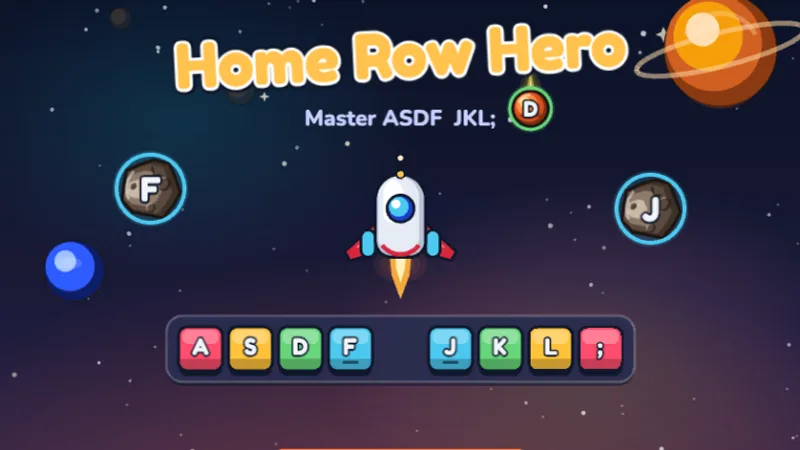
Home Row Hero is technically a 1st-grade game, but kindergarteners who have mastered Alphabet Zoo can try it toward the end of the year. Only introduce it once your child is comfortable finding letters without looking — otherwise the home-row constraint is frustrating.
Kindergarten is where typing foundations begin. Children learn where letters live on the keyboard, practice pressing keys with the correct finger, and start building the muscle memory that will serve them for life.
That 5-to-7 WPM number is a healthy target, not a mandatory one. Kindergarten typing speed depends heavily on reading fluency — a kindergartener who can decode common sight words will type faster simply because they spend less time figuring out what the word says. If your child is reading below grade level, their typing will lag behind and that is not a typing problem. For reference, a confident adult types at 35 to 45 WPM, so a kindergartener at 5 WPM is already getting roughly one-seventh of the way there after a few months of play. That is real progress, not a deficiency.
Kindergarten is the age where a simple routine sticks if you set it up in the first month. Longer, looser, or purely optional practice schedules tend to fizzle out by Thanksgiving. Here is what works for most families.
Twenty minutes total per week is more than enough in kindergarten — three sessions of six to seven minutes each, on the same days, beats one marathon weekend session every time. After-dinner, before-bath, and weekend-morning are the three slots most families land on.
A kindergartener who starts with the easiest game they know gets an immediate win and then has the confidence for something harder. Letter Rain for the first two minutes, then Alphabet Zoo for the main session, works well.
Kindergarteners are almost all hunt-and-peck typists and trying to enforce correct finger placement at this age usually backfires. Save that for 1st grade. For now, the goal is that your child can find the letters at all — the fingers they use do not matter yet.
After a week of play, ask your child to type out their name with no help. Most kindergarteners cannot do this reliably on day one and can by the end of the first month. That concrete before-and-after is the reward that keeps them coming back.
Kindergarten teachers in districts that require some keyboard exposure often fit it into morning-meeting transitions or literacy-block independent time. A ten-minute typing-game station during literacy rotations works well because the keyboard practice reinforces the same letter-sound work happening in small-group reading. Headphones are essential if the room has any other reading-aloud happening.
Solo is still the default at kindergarten, but one setup that works well is a buddy station — two children at one laptop, one typing while the other reads the letters aloud to the typist. Switch roles every two minutes. This turns a single device into two learning spots and reinforces reading as well as typing.
Eight to twelve minutes per turn is the productive window in kindergarten. Past twelve minutes, kindergarteners start to fatigue — you will see them start pressing random keys or zone out — and nothing useful is happening. A visual timer set to ten minutes trains children to finish strong.
Most kindergarteners can handle 10-15 minute typing sessions. Celebrate every small win — finding a letter on the keyboard is a real achievement at this age!
My kindergartener knows letters but can't find them on the keyboard.
The keyboard layout is alphabetically scrambled on purpose — QWERTY was designed for typewriters in the 1870s, not for kids learning letters. Recognizing a letter in the alphabet and locating it on a scrambled keyboard are two different skills, and the second takes longer. Alphabet Zoo specifically bridges this gap by showing the letter and its keyboard position together. Give it two or three weeks of play.
My child wants to use only their pointer finger.
That is developmentally appropriate for kindergarten. Trying to enforce multi-finger typing at five or six years old usually leads to frustration and gives up both the finger placement and the typing practice. Wait until 1st grade to introduce home row. Right now, one-pointer-finger hunt-and-peck that lets them find every letter is a win.
They only like one game and refuse the others.
That is fine. A kindergartener who plays Letter Rain three times a week for a month is getting better typing practice than one who plays a different game each day but never develops fluency with any of them. Let them master one game before pushing for variety.
Which games actually work for 5-6 year olds, which ones waste their short attention span, and the 10-minute routine that builds real keyboard familiarity.
Age-by-age readiness signals, so you know whether your child is actually ready for structured typing or needs more playful exposure first.
A week-by-week home-typing plan with realistic weekly milestones, built around short sessions that hold a kindergartener's attention.
The same four levels and twelve stages as the BBC classic, as a browser game with finger hints and saved progress. Level 1 is the right start for kindergarten.
Our grade-level targets align to U.S. keyboarding standards and published research:
Last reviewed June 2026 · TypingGamesKids. See the full typing speed by age guide.
Take a Typing Test
Start Typing Test