 1st·2nd·
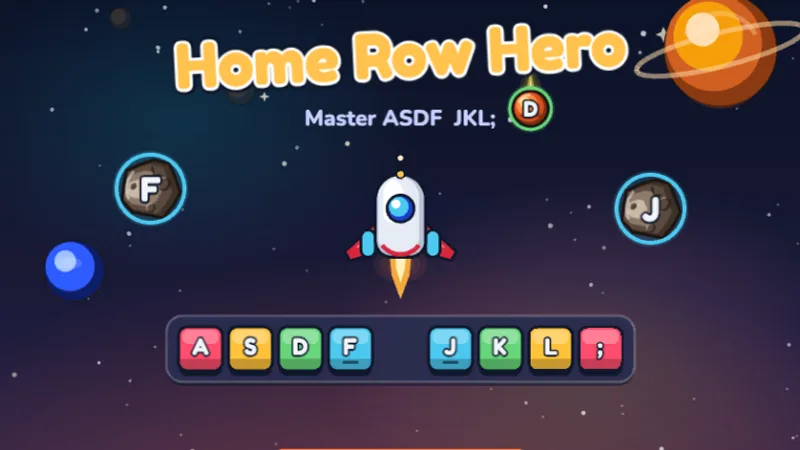
Home Row Hero
Master the home row keys and become a typing hero in outer space!
★★☆☆☆
Ages 6-8
Home Row
Second graders expand from home row to the full keyboard. These games introduce top row, bottom row, and simple word typing.
⌨️ Quick answer: By the end of 2nd grade, typical WPM is 10 to 15 with 90 to 92 percent accuracy. A 2nd grader at 12 WPM who rarely looks at the keyboard is actually ahead of a 2nd grader at 18 WPM who hunt-and-pecks — the habit matters more than the number at this age.
2nd grade is the year typing clicks. A child who has worked on home row through 1st grade comes into 2nd with fingers that already know where eight keys live, and the rest of the keyboard opens up from there. Top row (Q W E R T Y U I O P) gets learned first, then bottom row (Z X C V B N M) — both reached by one finger hopping up or down from home row. By mid-2nd grade, most children can type short three-letter and four-letter words without looking. That milestone — typing a whole word instead of individual letters — is when typing stops feeling like a chore and starts feeling like a tool. It is also the point where a bubbles typing game beats another letter drill: whole words, low pressure, and a reason to keep going. If your school used to run the four-level BBC path, the Level 1 to 4 sequence is mapped out here too. For a 2nd grader who wants a theme, the dinosaur typing game turns word practice into outrunning a volcano. Second grade is when most children reach dance mat typing level 2, the top row, and can time themselves on the alphabet typing test. For memory as well as fingers, the typing memory game flips a row of letters or words face-down and asks for them back.
Second graders move from letters to words, and the jump can feel abrupt. Working through the typing practice for kids in order matters more at this grade than at any other.
No login, no ads, instant play.
1st·2nd·
Master the home row keys and become a typing hero in outer space!
 1st·2nd·
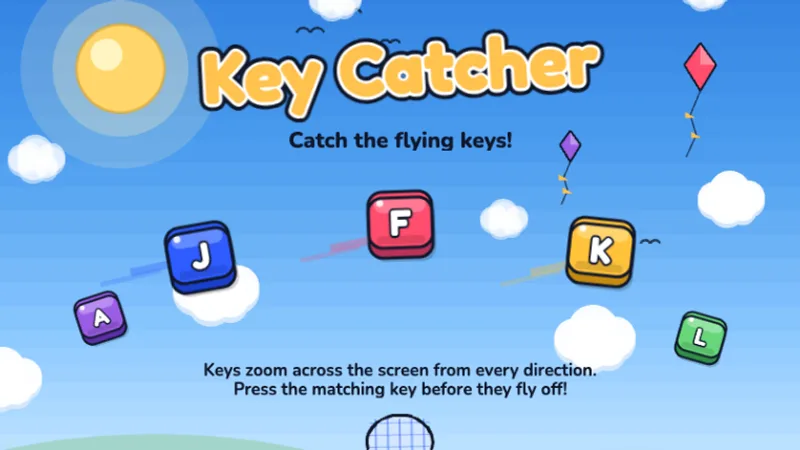
Keys are flying across the screen — catch them all by typing fast!
 2nd·3rd·
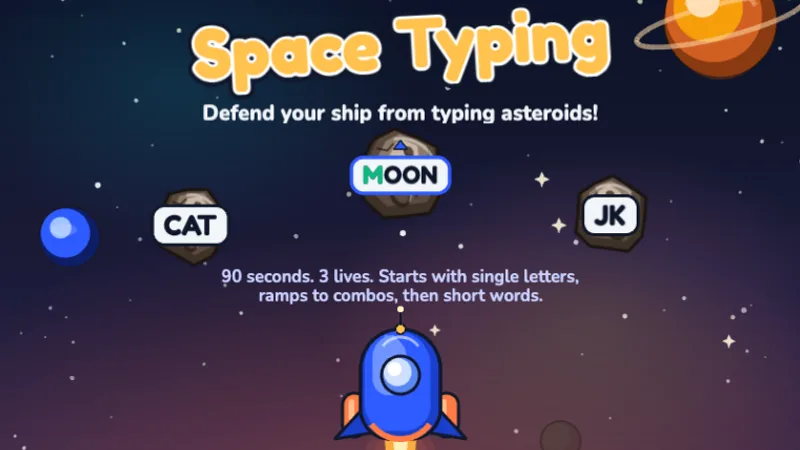
Blast asteroids by typing the letters before they hit your ship!
 2nd·3rd·
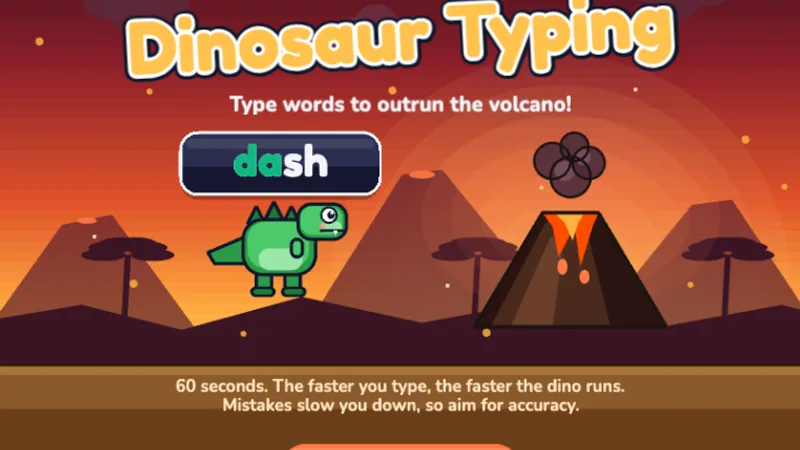
A free typing dinosaur game — type words to help your dinosaur run faster and escape the volcano!
 2nd·3rd·
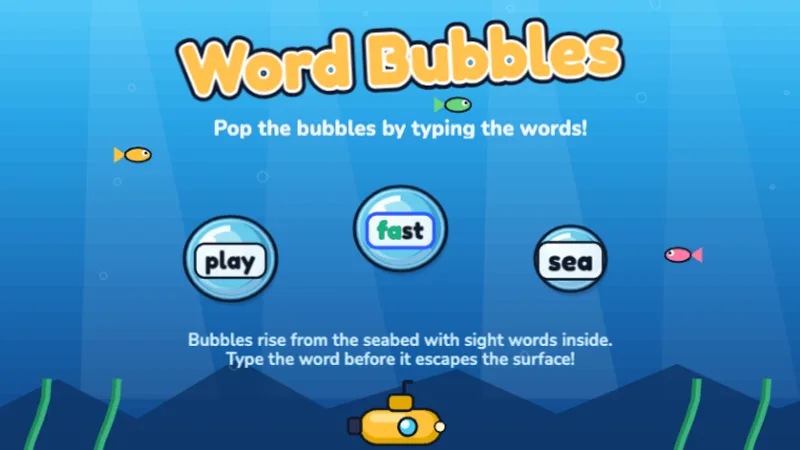
Pop ocean bubbles by typing the words inside before they float away!
 1st·2nd·
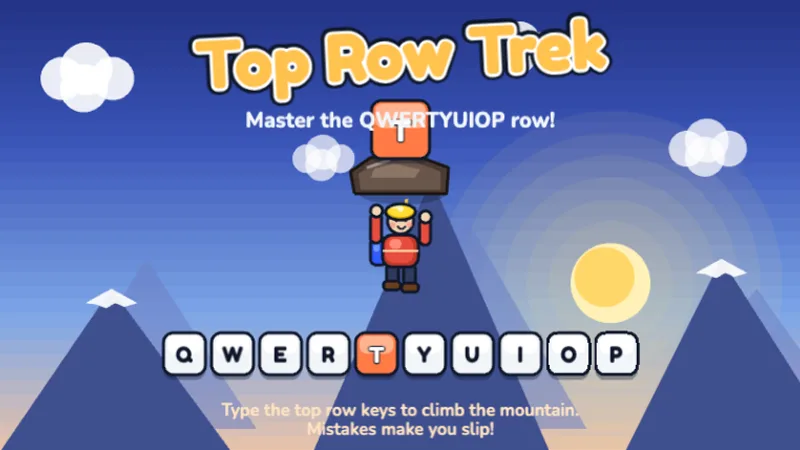
Climb the mountain by mastering the QWERTYUIOP top row keys!
 1st·2nd·
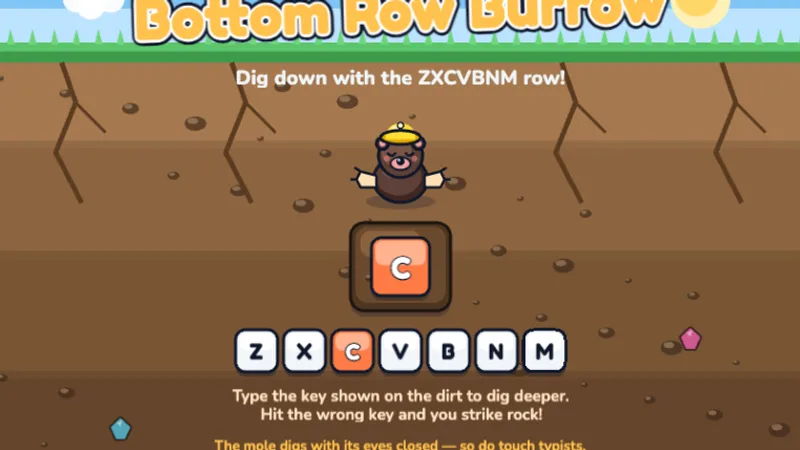
Dig down through the dirt by mastering the ZXCVBNM bottom row keys!
 2nd·3rd·
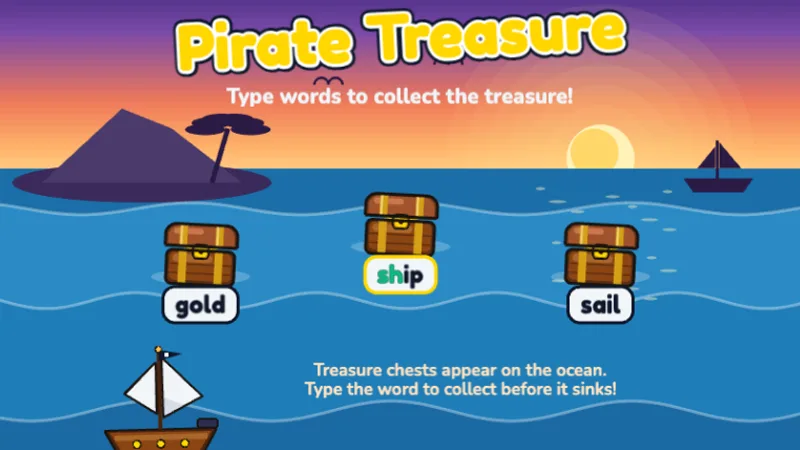
Type words to collect treasure chests before they sink into the ocean!
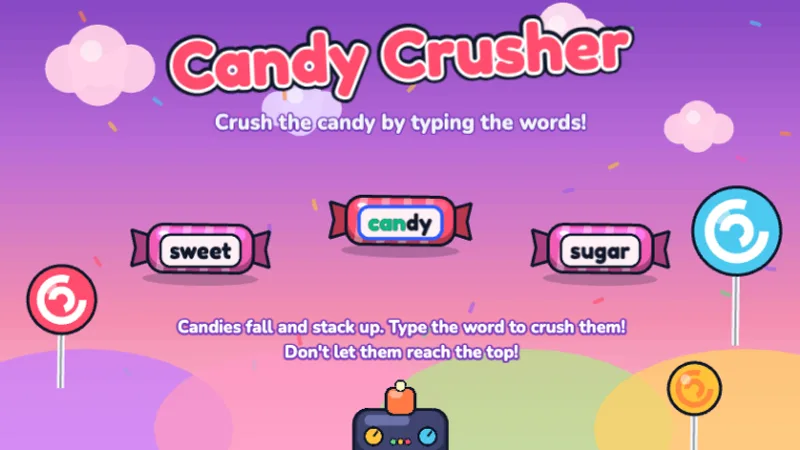 2nd·3rd·
Crush falling candy by typing the words before they stack up!
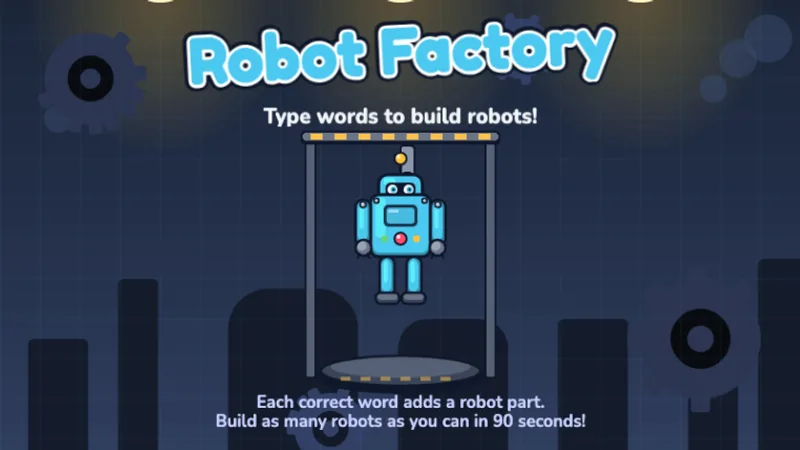 2nd·3rd·
Type words to assemble robot parts and build as many robots as you can!
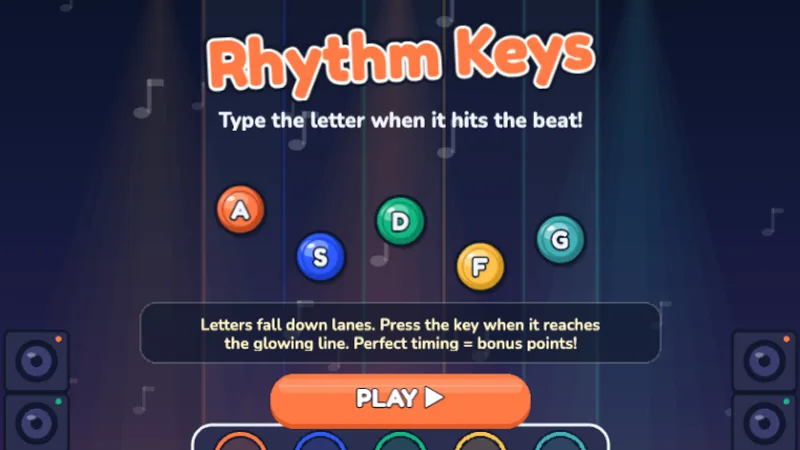 2nd·3rd·4th·
Type letters to the beat — hit Perfect timing for bonus points!
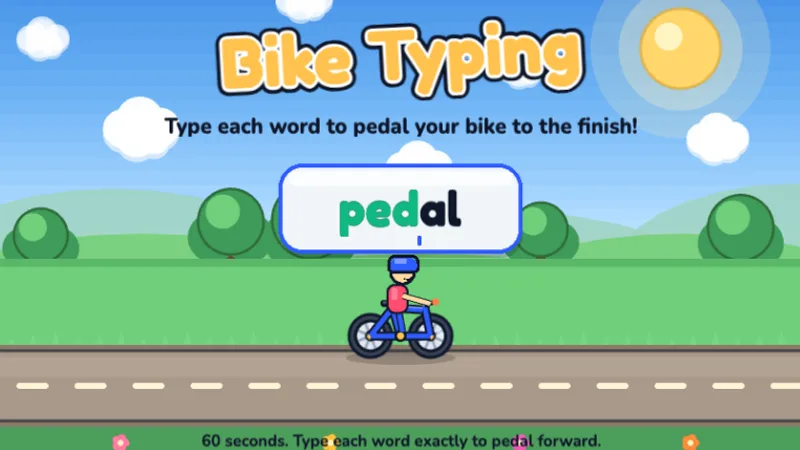 1st·2nd·3rd·
A free typing bike game — type each word to pedal your bike to the finish line!
 1st·2nd·3rd·4th·
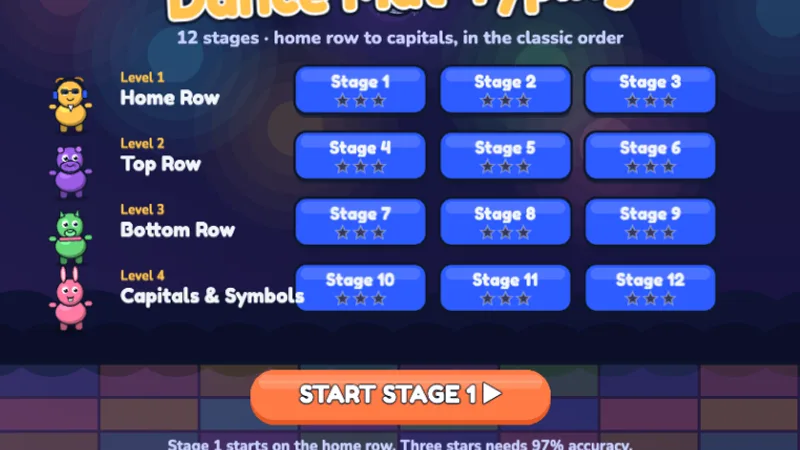
Twelve stages from the home row to capitals — dance your way through the keyboard!
 2nd·3rd·4th·5th·
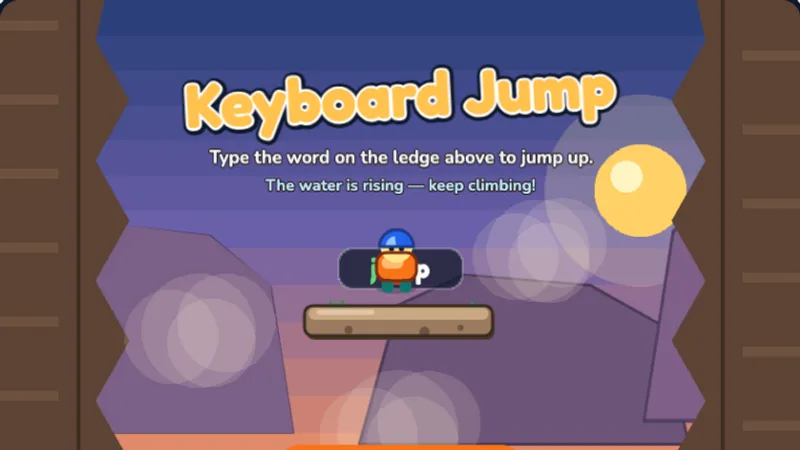
Type the word on the ledge above to jump up the canyon before the water rises!
 2nd·3rd·4th·5th·
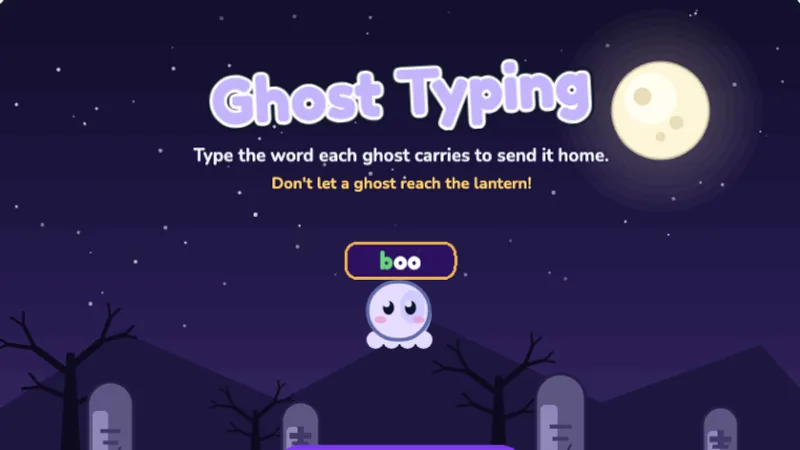
Type the word each ghost carries to send it home before it reaches the lantern!
 2nd·3rd·4th·5th·
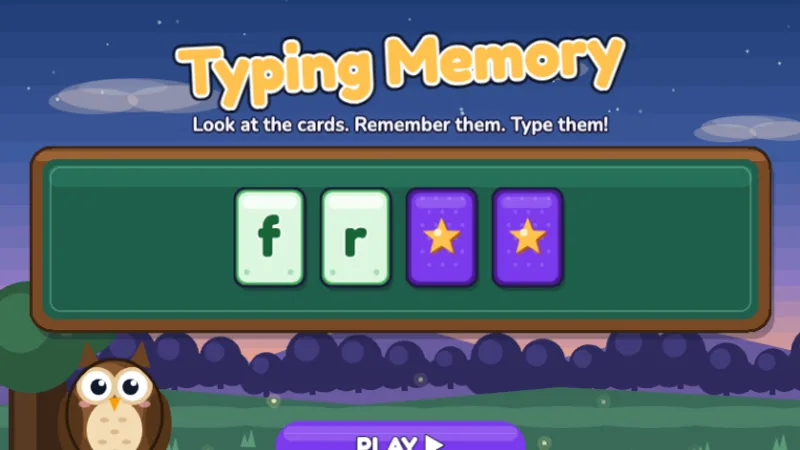
Watch the cards flip up, remember the letters, then type them from memory!
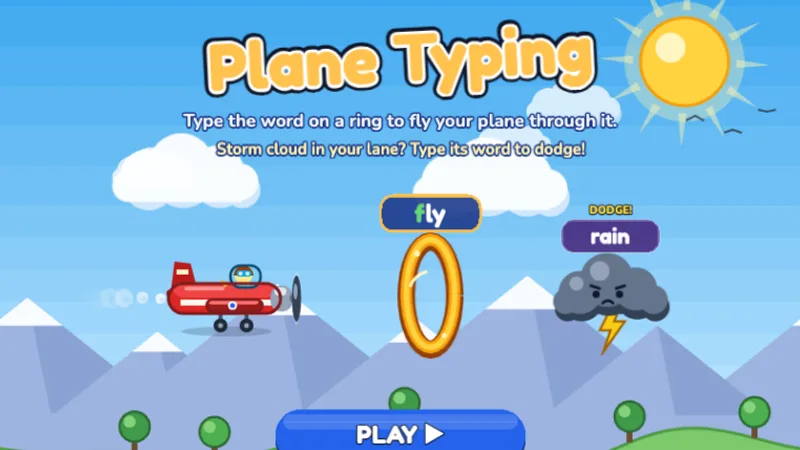 2nd·3rd·4th·5th·6-8
Type the word on each golden ring to fly your plane through it, and dodge the storm clouds!
Home Row Hero is still a useful warm-up in 2nd grade even though its home-row focus is below grade level by now. Five minutes of home-row play at the start of a session primes the correct finger habits before your child tackles harder full-keyboard games. Drop it entirely by mid-year if home-row habits are clearly locked in.
Key Catcher bridges 1st and 2nd grade. The home-row focus connects to the fall semester's groundwork; the faster pace starts pushing 2nd graders into the speed work they need. Use it through the first half of the year as the main short-session game.
Space Typer is the main 2nd grade game. Asteroids drifting toward a spaceship carry letters, then two-letter combinations, then short words — the exact progression 2nd graders need to move from home row to full keyboard. The three-phase difficulty ramp means one game grows with the child over the whole semester.
Dino Dash introduces whole-word typing with a forgiving pace. Because it rewards accuracy over raw speed, it counteracts the 2nd grade tendency to rush through mistakes. Use it in the spring semester once your child is typing individual letters smoothly.
Word Bubbles is Dino Dash's underwater sibling — same word-typing focus, different theme for variety. Children who enjoy the ocean setting often stick with this one longer than Dino Dash, but the learning outcome is nearly identical.
By 2nd grade, students should have basic home row skills and are ready to reach for new keys. This is where typing starts to feel like a real skill — they're typing actual words, not just random letters.
2nd grade is the year WPM starts being a meaningful measurement. The five-per-grade rule is a rough guideline: about 5 WPM per grade level, so 2nd grade lands around 10 WPM, 3rd around 15, 4th around 20, and 5th around 25 to 30. These are averages, not thresholds. A 2nd grader at 8 WPM with clean home-row habits will catch up within a year. A 2nd grader at 18 WPM with all-pointer-finger typing will plateau hard in 3rd or 4th grade and need to undo the habit. If you have to choose between speed and form in 2nd grade, choose form every time.
2nd grade typing practice builds on whatever 1st grade left behind. If your child arrives with solid home row, the plan is to expand outward. If they arrive with no structured practice, the plan is to back up and cover 1st grade ground first before moving on. Here is what works in either case.
Before picking games, spend one session watching your 2nd grader type. If they can find home row keys without looking, they are ready for the 2nd grade progression below. If they still use one or two pointer fingers and look at the keyboard, back up and spend four to six weeks on 1st grade material (Home Row Hero especially) before moving on. Starting at the wrong level wastes a whole semester.
Unlike 1st grade, where focusing on one or two games works, 2nd graders benefit from variety. A typical week: Space Typer twice, Dino Dash or Word Bubbles once, Home Row Hero as a five-minute warm-up. That rotation keeps interest high and hits multiple skill angles — speed, accuracy, word-level typing.
Split across three sessions, that is 17 to 25 minutes per session. This is roughly double the kindergarten load but still well within what most 2nd graders can sustain without losing interest. If you can only fit in half that, you will still see progress — just slower.
Our Typing Test page is a 60-second WPM measurement. Starting in March or April, run it once a week. Seeing the number go up — even by one WPM — is the single most motivating thing for 2nd graders, and it teaches them that typing is something that measurably improves with practice.
2nd grade is where many schools formally begin keyboarding instruction as part of the technology curriculum. Twenty minutes twice a week during a dedicated keyboarding block is enough for most 2nd graders to finish the year at 12-plus WPM. The fall semester should emphasize expanding from home row to top and bottom rows; the spring should emphasize short-word typing and accuracy. Avoid full-timed tests in the fall — they push 2nd graders toward speed-over-accuracy habits before accuracy is secure.
One device per child is the standard at this age. If you must share, one-child-per-device for ten minutes each is better than two-children-per-device for twenty minutes. Shared keyboards at this age sabotage the home-row position habit that 1st grade worked to build.
Fifteen to twenty minutes per session. Under fifteen, 2nd graders have just warmed up when the session ends. Over twenty, finger fatigue and attention drift start to affect form. Split longer blocks into two shorter ones with a standing or stretching break in between.
This is the age where typing games really click. Your child is reading well enough to type real words, and the game format keeps them motivated. 15-20 minute sessions work well.
My 2nd grader is slower than their classmates.
2nd grade WPM varies enormously — from around 5 to 20 WPM in the same classroom is normal. Home access to a keyboard, amount of practice, and reading fluency all drive the spread. A 2nd grader at 8 WPM with home-row habits will likely hit 15 to 18 WPM by the end of 3rd grade; a 2nd grader at 14 WPM with bad habits will stay at 14 to 16 WPM through 4th grade. Speed differences in 2nd grade usually flatten out over two years of practice. Do not change anything based on a classmate comparison.
My child can't keep their fingers on home row during word typing.
This is the most common 2nd grade issue and the thing that separates real typing progress from hunt-and-peck. When a word requires a top-row letter, the correct finger hops up, types it, and returns to home row. Most 2nd graders skip the 'returns to home row' step and just leave their finger hovering, which slowly moves their whole hand position. Remind them once per session: 'After every letter, fingers back on home row.' Six weeks of that reminder is usually enough to make it automatic.
They practice typing at school, so do we need to at home?
School-only practice works if your child gets at least forty minutes a week of keyboarding in class, consistently. Most elementary schools do less than that — often twenty minutes once a week, or typing as a rotation station that some weeks gets skipped. Twenty to thirty extra minutes at home per week, divided into two short sessions, roughly doubles the total practice volume and produces noticeably faster progress. It is not required, but it is cheap and it works.
A week-by-week plan designed around short sessions and steady expansion from home row out to the full keyboard.
WPM benchmarks by grade level, the five-per-grade rule, and how to measure your 2nd grader at home in two minutes.
The honest answer about when typing starts to beat handwriting — and the grade-by-grade balance that actually works.
Honest comparison of 5 free typing programs: game-based vs curriculum-based, which ages fit which tool, and a side-by-side feature table.
Our grade-level targets align to U.S. keyboarding standards and published research:
Last reviewed June 2026 · TypingGamesKids. See the full typing speed by age guide.
Take a Typing Test
Start Typing Test