 Pre-K·K·
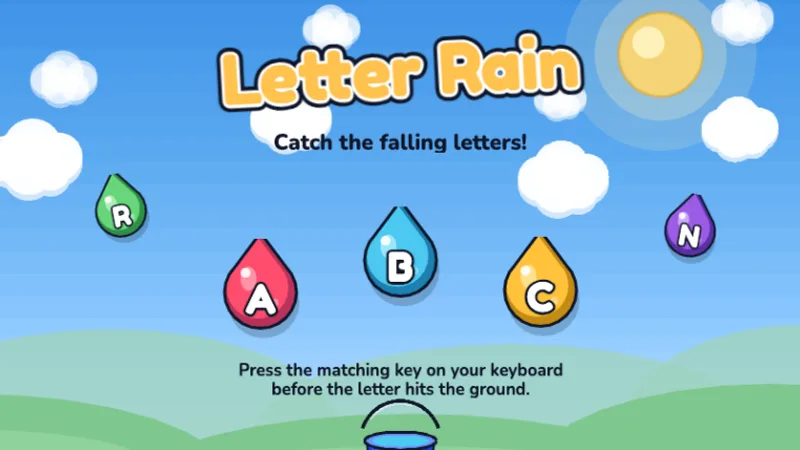
Letter Rain
Catch falling letters by pressing the right key before they hit the ground!
★☆☆☆☆
Ages 4-6
Letters
Free educational games picked for classroom reality: no student accounts, no ads a projector will embarrass you with, instant start on Chromebooks, and rounds short enough to fit a station rotation. Open a link, students play, the bell rings, nothing is lost.
This page is the teacher's cut of our catalog — the games that survive 25 students and 40 minutes. The full set lives on all games; setup details, printables and standards notes live on for teachers.
Pre-K·K·
Catch falling letters by pressing the right key before they hit the ground!
 K·1st·
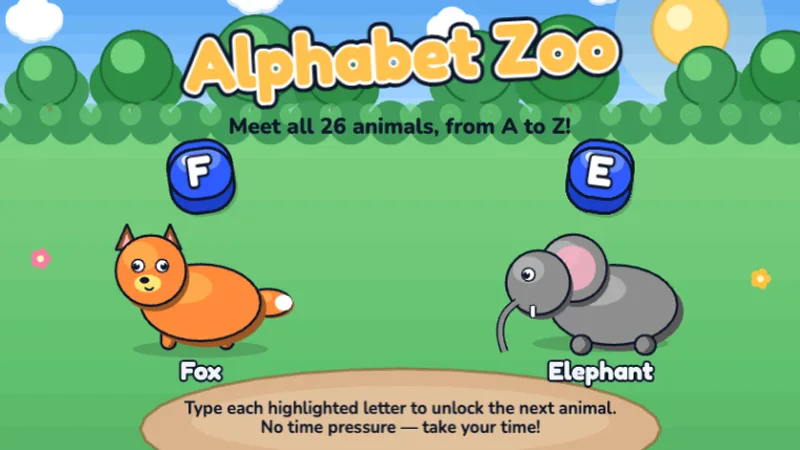
Type the alphabet from A to Z — type each letter to unlock the next animal!
 1st·2nd·
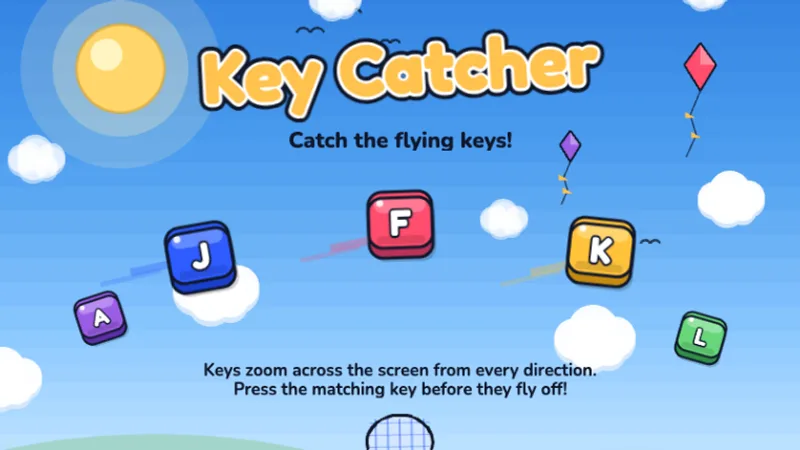
Keys are flying across the screen — catch them all by typing fast!
 2nd·3rd·
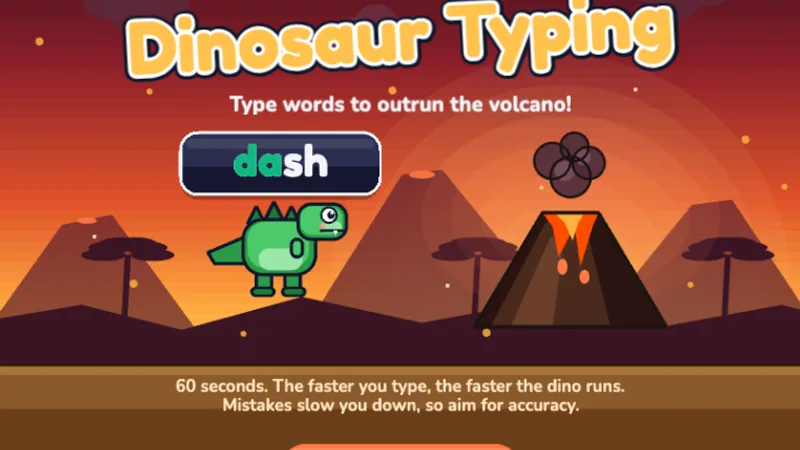
A free typing dinosaur game — type words to help your dinosaur run faster and escape the volcano!
 2nd·3rd·
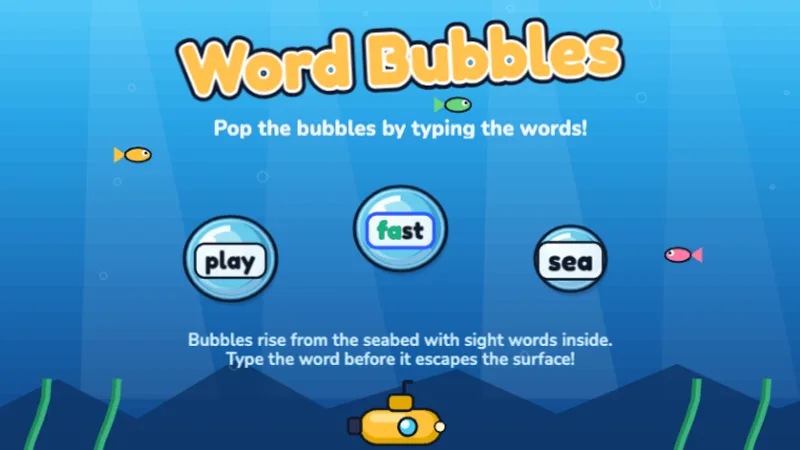
Pop ocean bubbles by typing the words inside before they float away!
 3rd·4th·5th·
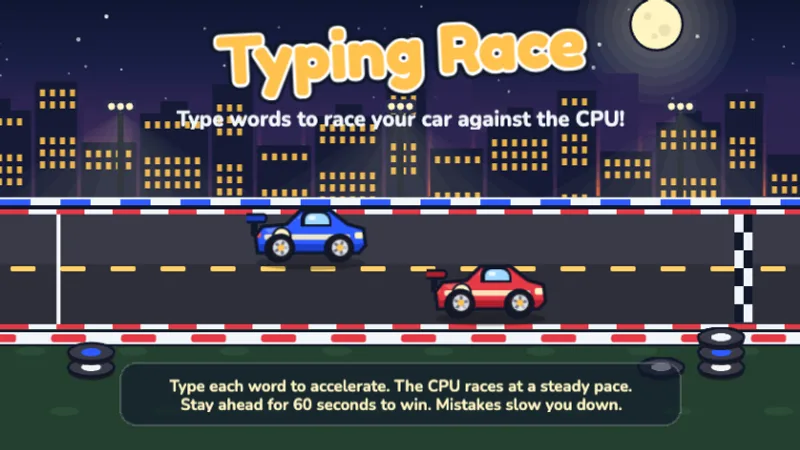
Race your car against the CPU by typing words — type faster to pull ahead!
 3rd·4th·
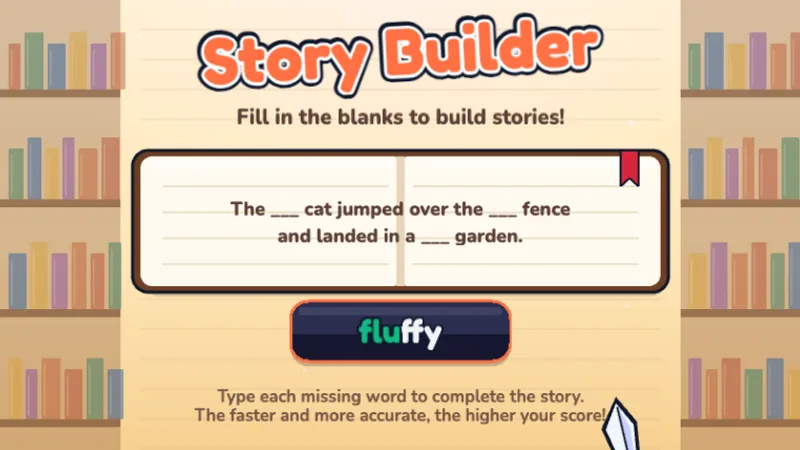
Fill in the missing words to complete fun stories — typing meets creativity!
 4th·5th·
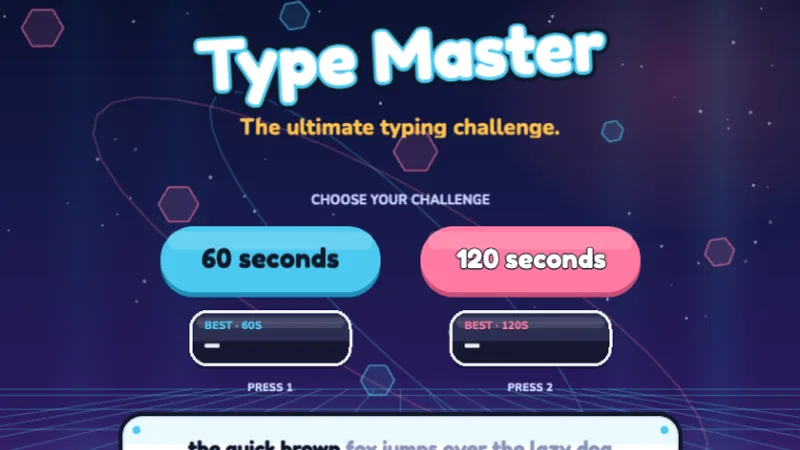
The ultimate typing challenge — test your speed and accuracy across all keys!
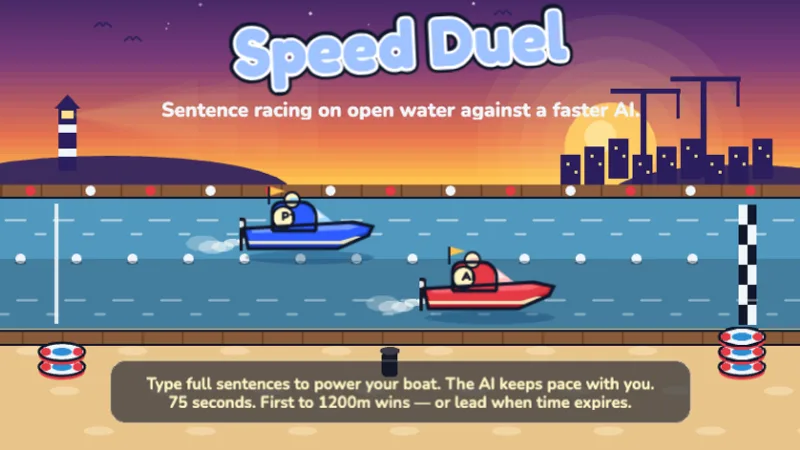 5th·6-8
Sentence-level head-to-head race against a faster AI — can you keep up?
One game per station, 10-15 minutes, chosen one notch below the grade's frustration level. By band:
For assessment days, pair a station with the typing test (1- or 3-minute, WPM and accuracy you can record) — and typing test words & examples has graded passages you can copy into your own materials. For a whole-class finale, run a live multiplayer typing race — everyone joins with a 4-letter code and the leaderboard goes on the projector.
No rosters, no passwords, no "I forgot my login" eating your first ten minutes. Share a URL; that's the whole setup.
COPPA compliant, nothing collected, nothing to clear with your district's data privacy agreement. See the COPPA statement if they ask anyway.
Browser-based, so Chromebooks work out of the box; iPads need an external keyboard. If the filter blocks it, whitelist typinggameskids.com.
The constraint that matters in a classroom isn't the game — it's logistics. A good classroom game needs no student accounts, starts in under 30 seconds, fits a 10-15 minute rotation, and ends without a lost save file. Everything on this page passes that filter, which is why the list is curated rather than exhaustive.
No. There are no student accounts anywhere on this site — a student opens the link and plays. That also means no rosters to set up, no passwords to reset mid-lesson, and no student data to worry about: the site is COPPA compliant and collects no personal information.
Yes — they run in the browser with nothing to install, which usually clears school device management. Chromebooks work out of the box; iPads need an external keyboard since these are keyboard games. If your district filter blocks the site, the domain to whitelist is typinggameskids.com.
The pattern that works: one game per station, 10-15 minutes, game chosen one notch below the grade's frustration level so students stay in flow without help. Write the game URL on the board or push the link through your LMS. For assessment days, pair a game station with our typing test — it gives a WPM number you can record.